Introduction
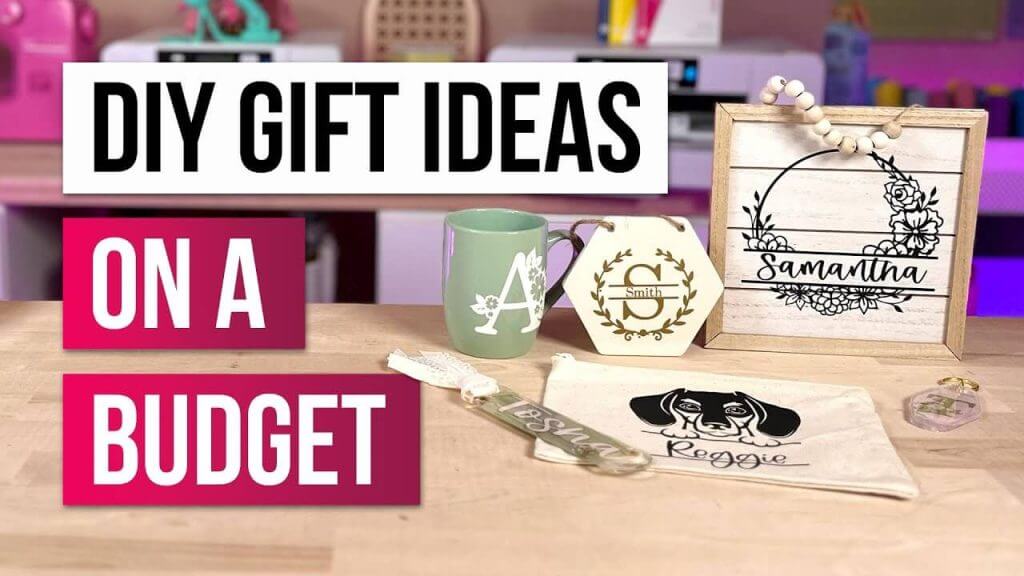
Personalized gifts are a wonderful way to show someone how much you care. With a Cricut machine, you can create unique and thoughtful gifts for any occasion, from birthdays and holidays to weddings and baby showers. In this blog, we’ll explore various personalized gift projects you can make with your Cricut, ensuring that each gift is as special as the person receiving it.

Key Phrase: Personalized Gifts with Cricut
Materials You’ll Need
Before you begin, gather these essential materials:
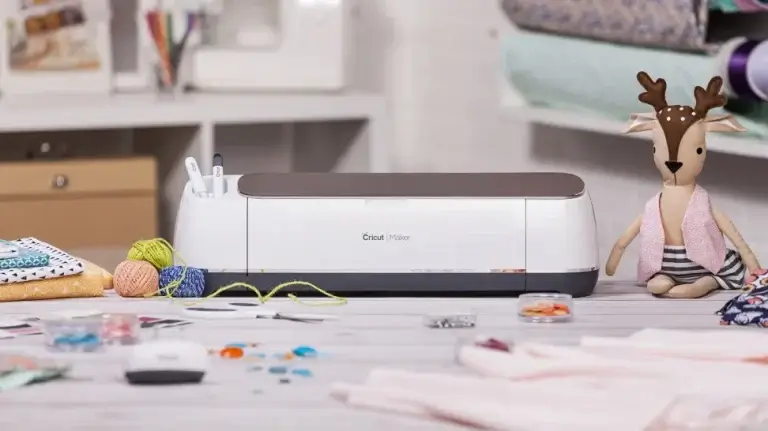
- Cricut machine: Preferably the Cricut Maker or Cricut Explore series.
- Vinyl: Permanent or removable, depending on your project.
- Iron-on material: For fabric gifts like t-shirts or tote bags.
- Cardstock: For custom cards and gift tags.
- Transfer tape: For applying vinyl designs.
- Weeding tools: Essential for removing excess material.
- Design Space: Cricut’s design software, available on desktop and mobile devices.
Step 1: Custom T-Shirts
Materials Needed:
- Plain t-shirts: Choose colors and sizes based on the recipient.
- Iron-on vinyl: Choose colors and patterns that suit the design.
- Heat press or iron: To apply the iron-on vinyl.
Steps:
- Design Your T-Shirt in Cricut Design Space: Create a custom design with text, images, or a combination of both.
- Cut Your Iron-On Vinyl: Use your Cricut machine to cut the design from iron-on vinyl.
- Weed and Transfer: Weed the excess vinyl and position the design on the t-shirt.
- Apply the Design: Use a heat press or iron to adhere the vinyl to the t-shirt, following the manufacturer’s instructions.
- Gift Your Custom T-Shirt: Present the personalized t-shirt as a unique and thoughtful gift.
Step 2: Personalized Mugs
Materials Needed:
- Ceramic mugs: Plain mugs that can be customized.
- Permanent vinyl: Choose colors that match your design.
- Transfer tape: For applying the vinyl design.
Steps:
- Design Your Mug in Cricut Design Space: Create a custom design for the mug, including names, quotes, or images.
- Cut Your Vinyl: Use your Cricut machine to cut the design from permanent vinyl.
- Weed and Transfer: Weed the excess vinyl and use transfer tape to apply the design to the mug.
- Cure the Design: Allow the vinyl to cure for 24 hours to ensure it adheres properly.
- Present Your Personalized Mug: Gift the customized mug, perfect for coffee or tea lovers.

Step 3: Customized Tote Bags
Materials Needed:
- Plain tote bags: Fabric bags that can be customized.
- Iron-on vinyl: Choose colors and patterns that suit the design.
- Heat press or iron: To apply the iron-on vinyl.
Steps:
- Design Your Tote Bag in Cricut Design Space: Create a design that reflects the recipient’s interests or personality.
- Cut Your Iron-On Vinyl: Use your Cricut machine to cut the design from iron-on vinyl.
- Weed and Transfer: Weed the excess vinyl and position the design on the tote bag.
- Apply the Design: Use a heat press or iron to adhere the vinyl to the tote bag, following the manufacturer’s instructions.
- Gift Your Customized Tote Bag: Present the personalized tote bag, perfect for carrying groceries, books, or everyday essentials.
Step 4: Handmade Cards and Gift Tags
Materials Needed:
- Cardstock: Various colors and textures for the cards and tags.
- Pens and markers: For adding handwritten notes.
- Ribbon or twine: For attaching gift tags.
Steps:
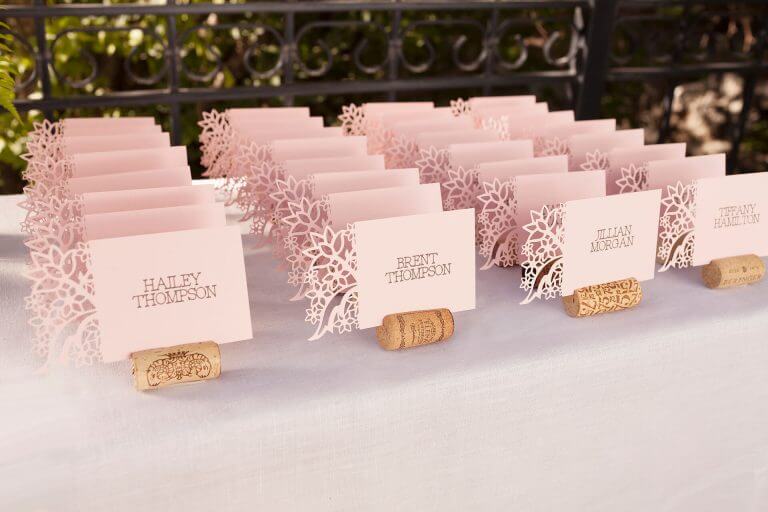
- Design Your Cards and Tags in Cricut Design Space: Create custom designs for the cards and gift tags.
- Cut Your Cardstock: Use your Cricut machine to cut the designs from cardstock.
- Assemble Your Cards and Tags: Add handwritten notes and embellishments to the cards and attach the tags to gifts with ribbon or twine.
- Include Your Handmade Cards and Tags with Gifts: Enhance your gifts with these personalized touches.
Step 5: Personalized Jewelry
Materials Needed:
- Metal blanks or charms: For creating custom jewelry.
- Engraving tool: Compatible with your Cricut machine.
- Jewelry findings: Such as chains, jump rings, and clasps.
Steps:
- Design Your Jewelry in Cricut Design Space: Create designs for engraving on metal blanks or charms.
- Engrave Your Designs: Use your Cricut machine and engraving tool to engrave the designs onto the metal blanks.
- Assemble the Jewelry: Use jewelry findings to create necklaces, bracelets, or earrings.
- Gift Your Personalized Jewelry: Present the custom jewelry as a unique and meaningful gift.
Tips for Success
- Test Cuts: Always do a test cut on scrap material to ensure your design and settings are correct.
- Use High-Quality Materials: Durable materials will ensure your gifts look professional and last longer.
- Personalize Thoughtfully: Consider the recipient’s preferences and interests when designing your gifts.
- Package Beautifully: Present your gifts in a thoughtful and attractive way to enhance the overall experience.
Conclusion
Creating personalized gifts with your Cricut machine allows you to give thoughtful and unique presents for any occasion. From custom t-shirts and mugs to tote bags, handmade cards, and jewelry, your Cricut can help you craft gifts that are truly special. For more project ideas and high-quality SVG files, visit SVGKingdom.com and SVGBundle.net. Happy crafting!
FAQs
1. Can I use removable vinyl for temporary designs on mugs?
No, it’s best to use permanent vinyl for designs on mugs to ensure they withstand washing and daily use.
2. What type of fabric works best for making custom tote bags?
Sturdy fabrics like canvas or cotton work well for making durable and functional tote bags.
3. How do I clean my Cricut cutting mat after working with iron-on vinyl?
Use a scraper tool to remove leftover bits and a lint roller to pick up small particles. You can also rinse it with water and let it air dry.
4. Can I design personalized gifts on my mobile device?
Yes, Cricut Design Space is available as a mobile app for iOS and Android devices, allowing you to design on the go.
5. Where can I find more personalized gift ideas and tutorials?
For more inspiration and tutorials on creating personalized gifts with Cricut, check out the official Cricut blog and YouTube channel. Additionally, SVGKingdom.com and SVGBundle.net offer a wide range of SVG designs to enhance your crafting projects.
Sources
For more inspiration and tutorials, check out these external links: