Introduction to Cricut Maker 3 and SVG Designs
The Cricut Maker 3 is a versatile cutting machine that can bring your creative ideas to life. Its compatibility with SVG (Scalable Vector Graphics) files makes it a favorite among crafters, allowing precise and intricate designs. Whether you’re a beginner or a seasoned crafter, here are some of the best projects you can create using SVG designs.
Why Use SVG Designs?
SVG files are perfect for Cricut projects because they are:
- Scalable: They can be resized without losing quality.
- Editable: Easily modify colors and shapes.
- Compatible: Work seamlessly with Cricut Design Space.
Top Cricut Maker 3 Projects Using SVG Designs
1. Customized T-Shirts
Creating personalized t-shirts is a popular project with the Cricut Maker 3. Use SVG designs to cut intricate patterns and text from heat transfer vinyl (HTV). Here’s how:
- Select or create an SVG design.
- Upload the design to Cricut Design Space.
- Cut the design using HTV.
- Use a heat press or iron to transfer the design onto the t-shirt.
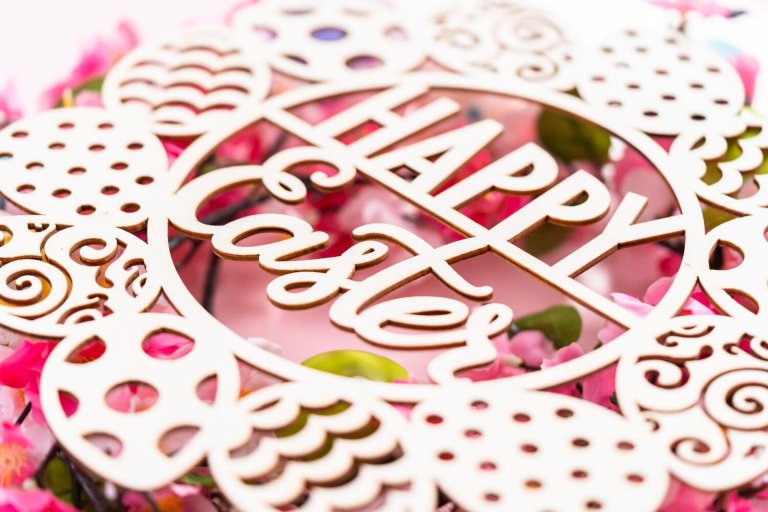
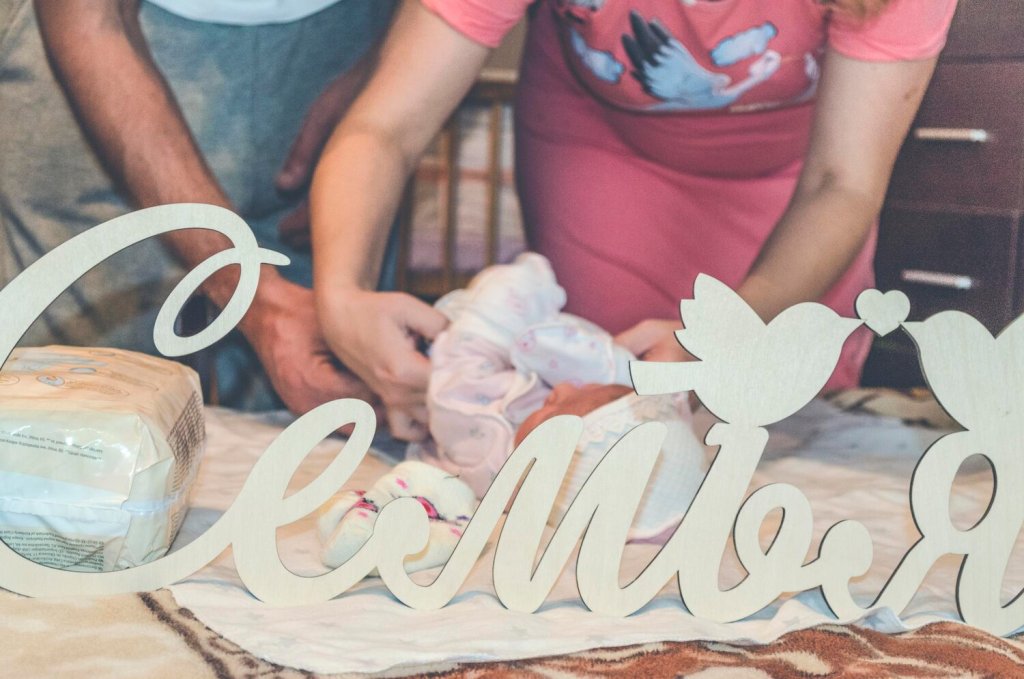
2. Home Décor Signs
Decorative signs add charm to any space. Use wood or canvas as a base and vinyl for the design:
- Choose an SVG design that matches your theme.
- Cut the design from adhesive vinyl.
- Transfer the vinyl onto the wood or canvas surface.
This project is perfect for creating seasonal decorations or personalized gifts.
3. Greeting Cards
Handmade cards add a personal touch to any occasion. With the Cricut Maker 3, you can create intricate card designs:
- Find or design an SVG card template.
- Use cardstock and the Cricut’s scoring tool for precise folds.
- Cut and assemble the card, adding embellishments as desired.
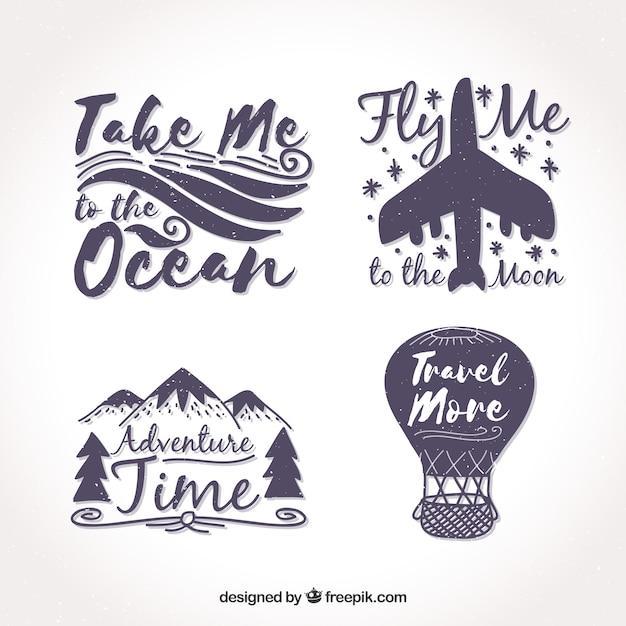
4. Stickers and Decals
Design custom stickers and decals for laptops, water bottles, or planners:
- Design or download SVG files for your stickers.
- Cut the designs on sticker paper or adhesive vinyl.
- Use the Cricut’s print then cut feature for a professional finish.
5. Jewelry and Accessories
Create unique jewelry pieces using faux leather or felt:
- Select SVG designs for earrings, necklaces, or bracelets.
- Cut the designs using the appropriate material setting.
- Assemble the pieces with findings like hooks or chains.
This is a great way to craft personalized accessories to match any outfit.
6. Fabric Appliqués
Add a creative touch to clothing and home textiles with fabric appliqués:
- Choose an SVG design suitable for fabric.
- Cut the design from fabric using the Cricut Maker 3.
- Sew or iron the appliqué onto your chosen fabric item.
7. Paper Flowers
Paper flowers are a beautiful addition to home décor or events:
- Select varying SVG flower designs for a diverse bouquet.
- Cut the flowers from colored cardstock.
- Assemble the pieces to create lifelike blooms.
Tips for Working with SVG Designs
- Choose Quality Designs: Ensure your SVG files are well-made, with clean lines and no unnecessary nodes.
- Use Layers: Layering can add depth and texture to your projects.
- Test Cuts: Before cutting expensive materials, do a test cut on scrap material to ensure settings are correct.
Conclusion
The Cricut Maker 3, combined with the versatility of SVG designs, opens up endless crafting possibilities. Whether you’re making personalized gifts or enhancing your home décor, these projects can help you utilize the full potential of your Cricut machine. Happy crafting!