Creative Projects for Cricut Maker 3 Using SVG Designs
The Cricut Maker 3 is a versatile tool that opens up a world of creative possibilities. With the ability to cut over 300 materials, it’s perfect for crafting intricate designs using SVG files. Whether you’re a beginner or a seasoned crafter, SVG designs can help you create professional-looking projects with precision and ease.
Understanding SVG Files
SVG stands for Scalable Vector Graphics. These files are perfect for cutting machines like the Cricut Maker 3 because they retain high quality at any size. They are composed of lines and curves that can be scaled without losing clarity, making them ideal for detailed cuts.
Essential Tools and Materials
- Cricut Maker 3: The machine itself, capable of cutting, writing, scoring, and more.
- SVG Files: Downloadable designs available from various online platforms such as Etsy, Design Bundles, and Creative Fabrica.
- Materials: Depending on your project, you might need vinyl, cardstock, fabric, or leather.
- Cutting Mats: Different mats for different materials, like the StandardGrip, LightGrip, or FabricGrip.
- Tools: Basic tools like weeding tools, scrapers, and scissors.
Project Ideas Using SVG Designs
1. Personalized T-Shirts
Create custom apparel by using heat transfer vinyl (HTV) and SVG designs. Choose a design, cut it with your Cricut Maker 3, and apply it to a t-shirt using a heat press or a household iron.
- Materials Needed: HTV, t-shirt, weeding tool, heat press.
- Steps: Load the SVG file in Cricut Design Space, cut the design, weed out excess vinyl, and transfer it to the shirt.
2. Home Décor Signs
Create wooden or canvas signs to add a personal touch to your home. Use adhesive vinyl or stencil material to paint the design onto a surface.
- Materials Needed: Adhesive vinyl or stencil, wood or canvas, transfer tape, paint.
- Steps: Cut the design, apply it to the surface with transfer tape, and paint or leave as vinyl.
3. Greeting Cards
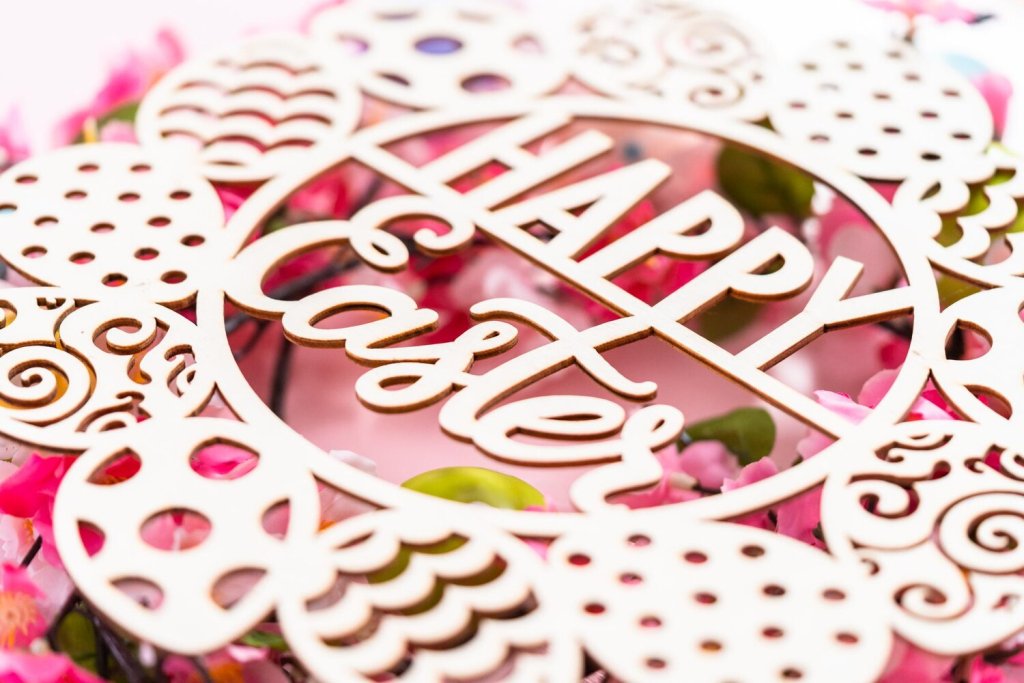
Design unique greeting cards for any occasion. Use the Cricut Maker 3 to cut intricate designs from cardstock.
- Materials Needed: Cardstock, scoring stylus (optional), embellishments.
- Steps: Cut the design, fold the card, and add embellishments as desired.
4. Custom Stickers
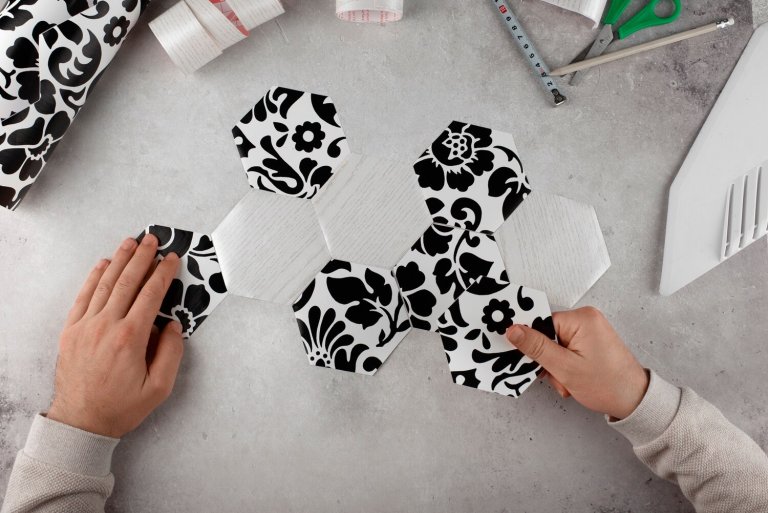
Create personalized stickers using printable vinyl or sticker paper. This is perfect for planners, scrapbooks, or gifting.
- Materials Needed: Printable vinyl or sticker paper, printer.
- Steps: Print the design, cut with the Cricut, and peel off the backing.
5. Leather Accessories
Make stylish leather accessories such as earrings or bracelets using the Cricut Maker 3’s rotary blade.
- Materials Needed: Leather, rotary blade, earring hooks or bracelet clasps.
- Steps: Cut the design, attach hooks or clasps, and assemble the pieces.
Tips for Working with SVG Designs
- Optimize Your Design: Simplify your SVG files by removing unnecessary nodes to ensure smooth cuts.
- Use Quality Files: Start with high-quality SVG files to avoid issues with scaling and cutting.
- Test Cuts: Perform test cuts on scrap material to fine-tune settings before starting your project.
- Layering: Use multiple layers in your SVG designs for a more dynamic and textured look.
Where to Find SVG Designs
There are numerous resources online where you can find SVG files for your Cricut projects:
- Etsy: Offers a wide variety of designs from independent creators.
- Design Bundles: Provides themed bundles for different occasions.
- Creative Fabrica: Features an extensive library of designs and fonts.
- Free SVG Websites: Websites like LoveSVG and Freepik offer free designs for personal use.
Conclusion
With the Cricut Maker 3 and SVG designs, the possibilities for creative projects are endless. From personalized gifts to home décor, you can craft unique items that reflect your personal style. By understanding the basics of working with SVG files and utilizing the right tools and materials, you can bring your creative visions to life with precision and ease.