Transform Images into Vector Art with SVG Kingdom
Vector art is essential for designers who need scalable graphics without losing quality. SVG Kingdom offers a simple way to convert your images into vector art using their online tool. Here’s a quick guide to turning your PNG images into SVGs.
Why Convert to SVG?
- Scalability: SVGs can be resized without losing quality, making them perfect for various design needs.
- Editability: Vector images are easier to edit and manipulate in graphic design software.
- Smaller File Size: SVGs often have smaller file sizes compared to raster images, improving load times.
Getting Started with SVG Kingdom
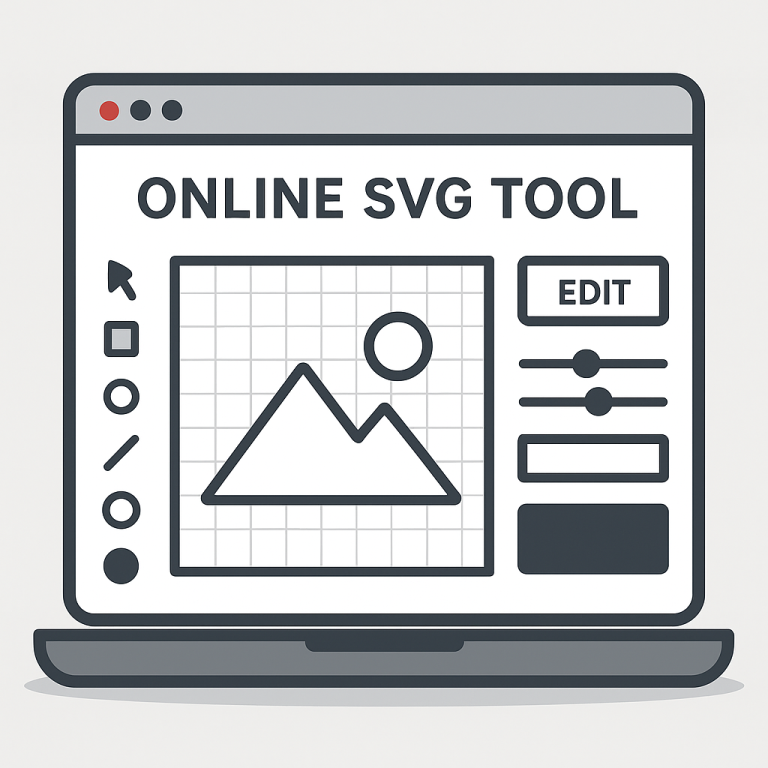
SVG Kingdom provides a straightforward tool to convert PNG images to SVG format. Follow these steps to get started:
Step 1: Visit the Website
Go to svgkingdom.com/png-to-svg/ to access the conversion tool.
Step 2: Upload Your Image
Click on the upload button and select the PNG file you want to convert. Ensure your image is clear and well-defined for the best results.
Step 3: Adjust Settings
Once your image is uploaded, you can adjust conversion settings if needed:
- Color Options: Choose between grayscale or color conversion depending on your needs.
- Detail Level: Adjust the detail level to balance between file size and image quality.
Step 4: Convert the Image
Click on the “Convert” button to start the conversion process. The tool will process your image and generate a vector version.
Step 5: Download Your SVG
Once the conversion is complete, download your new SVG file. You can now use it in your projects or further edit it with graphic design software.
Tips for Best Results
- High-Contrast Images: Use images with clear outlines and high contrast for optimal vector conversion.
- Simple Designs: Start with simpler designs to understand how the tool handles different elements.
- Editing Software: Consider using software like Adobe Illustrator or Inkscape for additional editing after conversion.
Conclusion
Turning images into vector art is a breeze with SVG Kingdom’s online tool. By following these steps, you can easily convert your PNG files into scalable SVGs, enhancing your design projects with quality vector graphics. Whether you’re a professional designer or just need a quick conversion, SVG Kingdom simplifies the process, making it accessible to everyone.