How to Prepare PNG and JPG Files for Cricut Using SVG Kingdom
Working with Cricut machines opens up a world of creative possibilities. However, to get the best results, you need to convert your PNG and JPG files into SVG format. SVG Kingdom provides an efficient online tool for this conversion. Here’s a concise guide to help you prepare your files for Cricut using svgkingdom.com/png-to-svg/.
Why Convert to SVG?
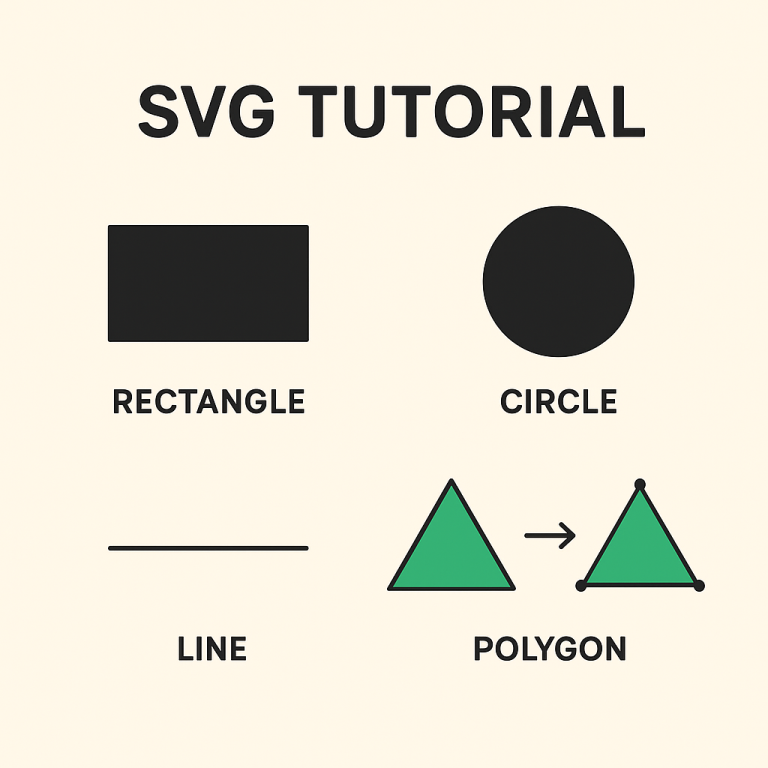
SVG (Scalable Vector Graphics) is the preferred format for Cricut because it allows for precise cutting and scaling without loss of quality. Unlike raster formats like PNG and JPG, SVG files retain clarity and detail, making them ideal for intricate designs.
Steps to Convert PNG and JPG Files to SVG
- Access SVG Kingdom: Go to svgkingdom.com/png-to-svg/.
- Upload Your File: Click the “Upload” button to select your PNG or JPG file from your computer.
- Adjust Settings:
- Choose the appropriate color mode (monochrome for simple designs, multicolor for complex ones).
- Adjust the threshold to fine-tune the conversion quality.
- Convert: Hit the “Convert” button to start the conversion process. The tool will generate an SVG file from your uploaded image.
- Download the SVG: Once the conversion is complete, download the SVG file to your computer.
Tips for Effective Conversion
- Use High-Quality Images: Start with high-resolution PNG or JPG files to ensure the best conversion results.
- Simplify Your Design: For complex designs, consider simplifying elements to reduce noise and improve cutting precision.
- Test Different Settings: Experiment with color modes and thresholds to see what works best for your specific image.
- Preview Before Download: Use the preview feature to ensure the converted SVG looks correct before downloading.
Importing SVG to Cricut Design Space
After converting your image to SVG, the next step is importing it into Cricut Design Space:
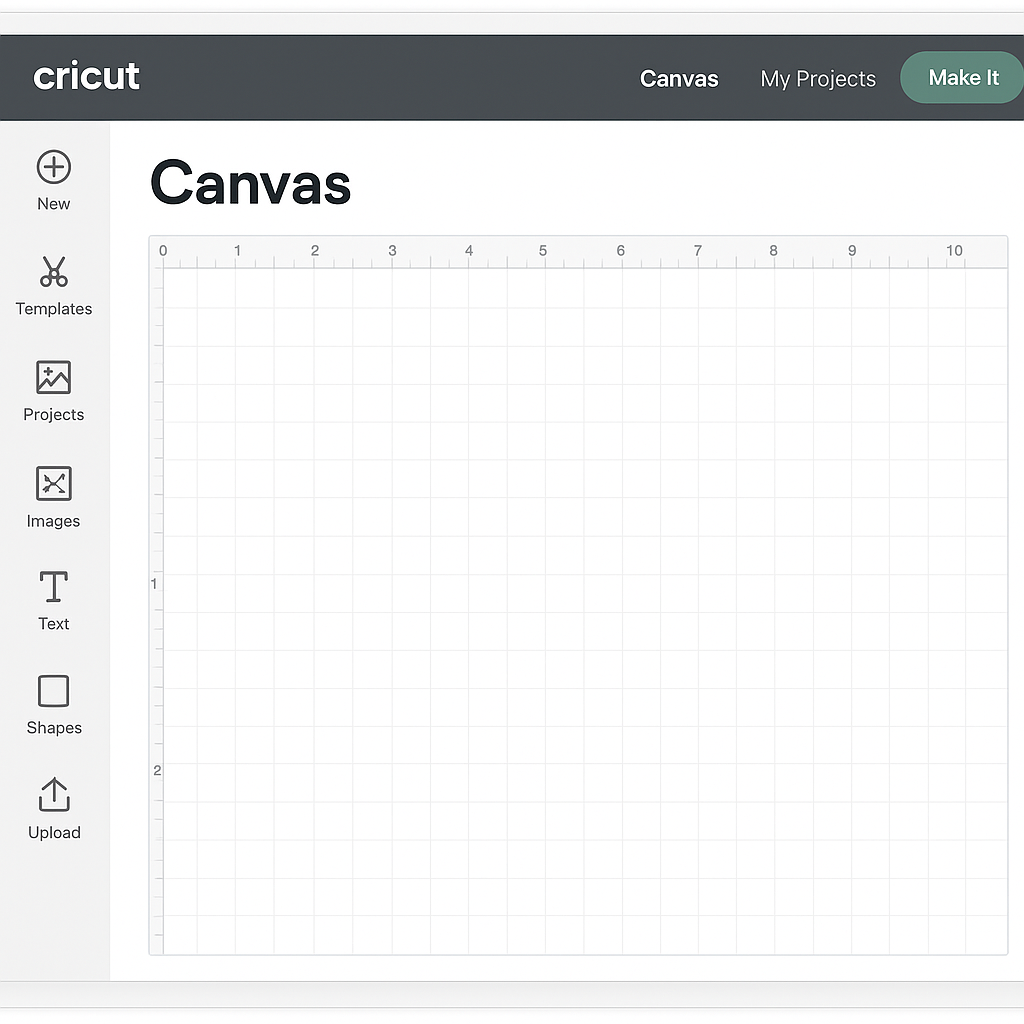
- Open Cricut Design Space: Launch the software and start a new project.
- Upload SVG: Click on “Upload” in the left-hand menu, then select “Upload Image.”
- Select and Insert: Choose your converted SVG file and insert it into your project canvas.
- Resize and Position: Adjust the size and position of your design as needed.
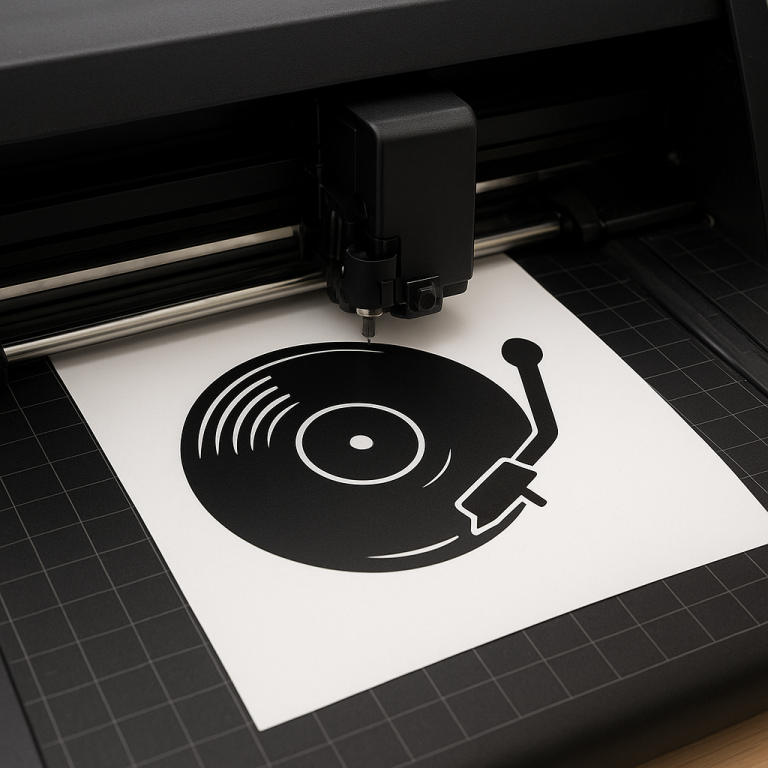
- Prepare to Cut: Once satisfied, hit “Make It” to start the cutting process.
Conclusion
Converting PNG and JPG files to SVG using SVG Kingdom is a straightforward process that enhances your Cricut projects. By following these steps, you can ensure your designs are crisp, scalable, and ready for crafting. Experiment with different settings to achieve the best results, and enjoy the creative freedom that SVG files offer for your Cricut projects.