Transform Sketches into SVG Files with SVGKingdom
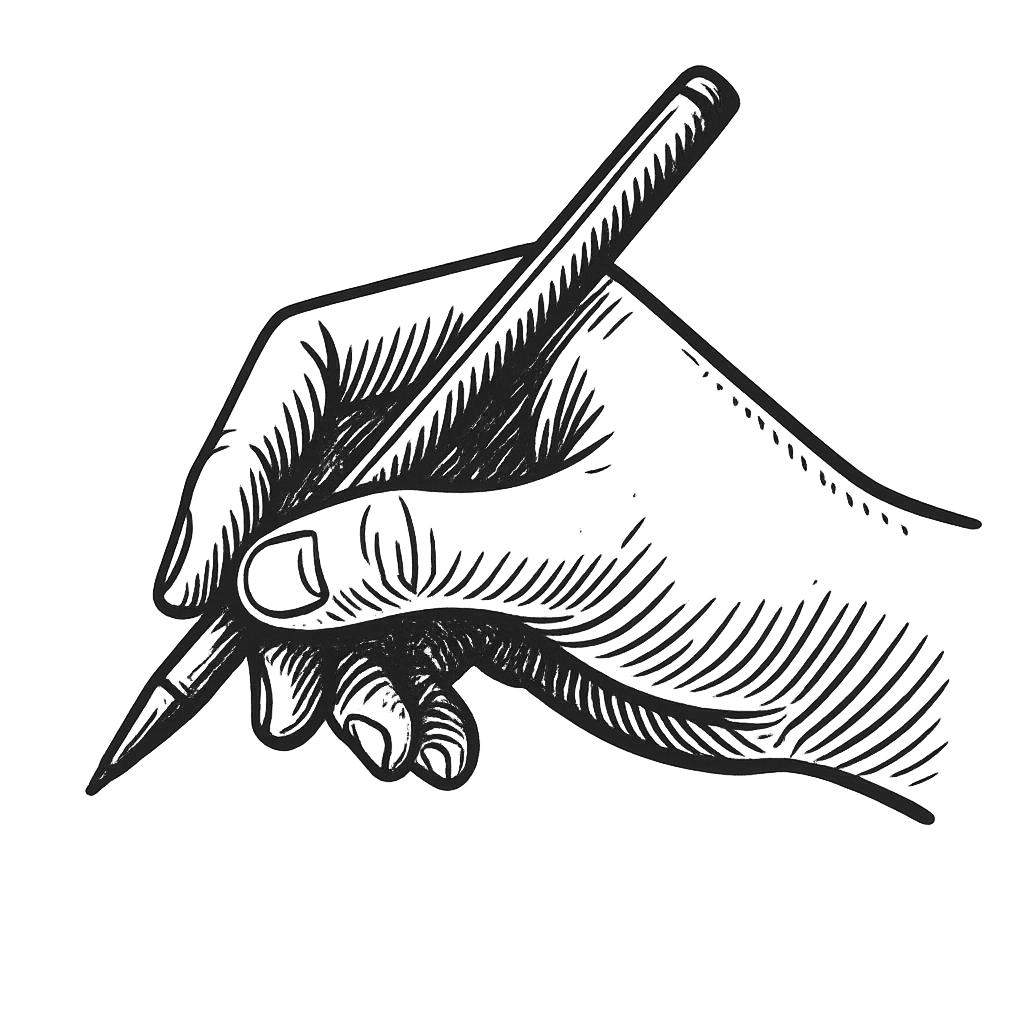
Turning your sketches into scalable vector graphics (SVG) can significantly enhance their versatility and quality. SVG files are perfect for web use, as they retain crisp lines and vibrant colors at any size. Using svgkingdom.com/png-to-svg/ makes this process simple and efficient. Here’s a practical guide to help you convert your hand-drawn sketches into SVG files.
Why Use SVG Files?
SVG files offer several advantages over traditional raster images like PNG or JPEG:
- Scalability: SVG files can be resized without losing quality, making them ideal for responsive web design.
- Editability: SVGs are easy to manipulate with code, allowing for dynamic graphics.
- Smaller File Size: Often, SVGs are smaller than raster images, improving load times.
Steps to Convert Sketches to SVG
Follow these straightforward steps to convert your sketches into SVG files using svgkingdom.com:
1. Prepare Your Sketch
Before converting, ensure your sketch is clean and clear:
- Use a High-Quality Scanner: Scan your sketch at a high resolution to capture details.
- Clean Up Digitally: Use graphic software to enhance contrast and remove any blemishes.
2. Visit SVGKingdom
Navigate to svgkingdom.com/png-to-svg/. This tool is designed to convert PNG files into SVGs with ease.
3. Upload Your Image
Click on the upload button and select your cleaned-up sketch file. Ensure the file is in PNG format for optimal results.
4. Adjust Settings
SVGKingdom offers various settings to fine-tune the conversion:
- Detail Level: Adjust the detail level to balance between file size and fidelity.
- Color Options: Choose color settings that best match your original sketch.
5. Convert and Download
Once satisfied with the settings, click the convert button. After processing, download your new SVG file.
Tips for Optimal Conversion
To achieve the best results, consider these additional tips:
- Experiment with Settings: Don’t hesitate to try different settings to see what works best for your specific sketch.
- Use Vector Editing Software: Post-conversion, refine your SVG using software like Adobe Illustrator or Inkscape.
- Maintain Original Copies: Keep original and intermediate files for future reference or adjustments.
Conclusion
Converting sketches to SVG files using svgkingdom.com is a straightforward process that enhances the usability and quality of your artwork. By following these steps and tips, you can easily create scalable, versatile graphics suitable for a variety of digital applications. Embrace the power of SVGs to elevate your creative projects!