Convert Images Online Easily with SVGKingdom
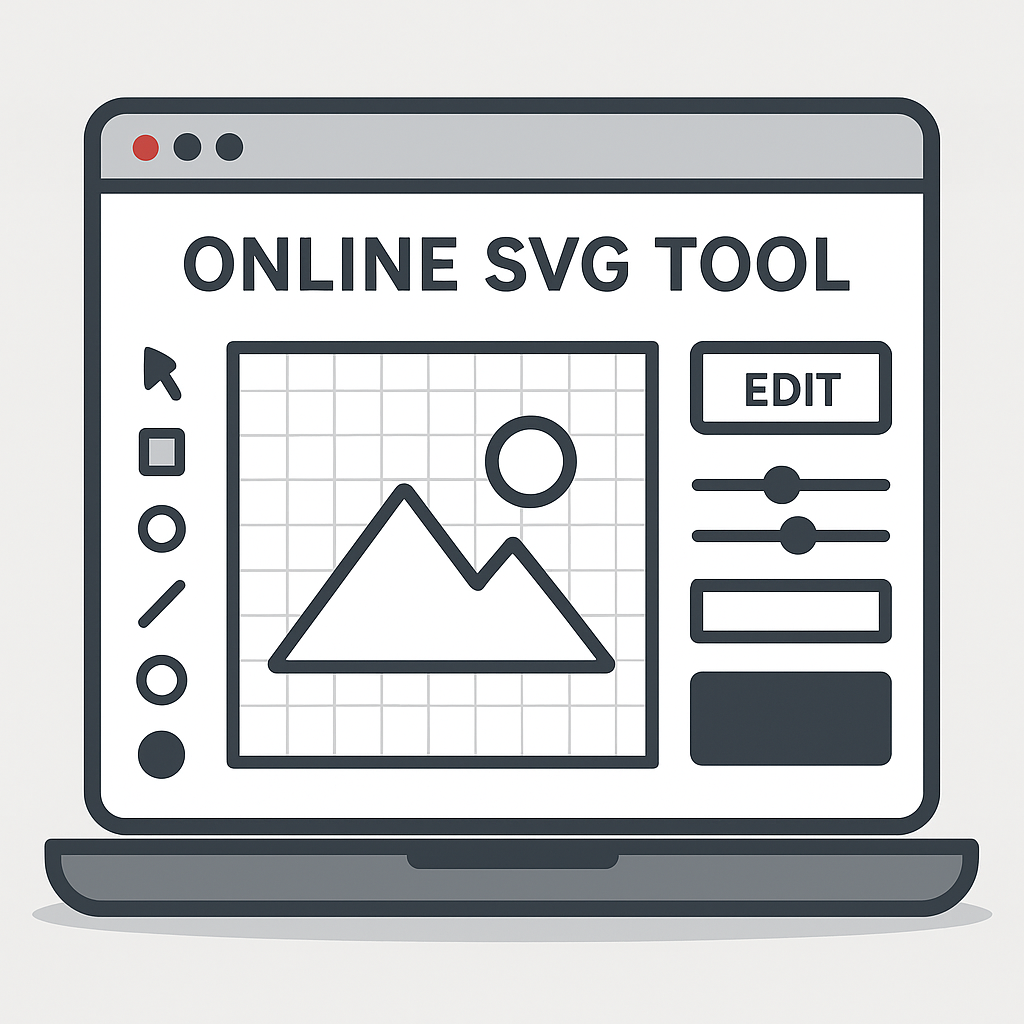
Converting images from PNG to SVG format has never been easier, thanks to SVGKingdom. This free online tool simplifies the conversion process, making it accessible even for those with minimal technical knowledge.
Why Convert PNG to SVG?
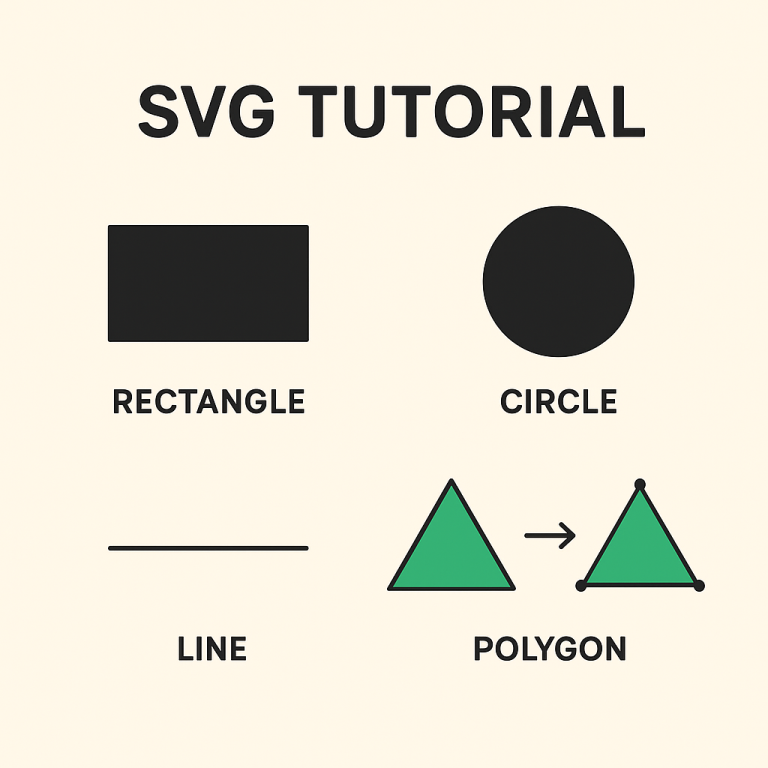
SVG (Scalable Vector Graphics) is a preferred format for web graphics due to its scalability and small file size. Unlike PNG, SVG images can be resized without losing quality, making them ideal for responsive web design. Converting PNG to SVG can enhance your website’s performance and improve image quality across different devices.
Key Features of SVGKingdom
- Free to Use: No subscription or payment is required.
- User-Friendly Interface: Simple and intuitive design for easy navigation.
- Quick Conversion: Fast processing to save you time.
- High-Quality Output: Retains the original image quality in SVG format.
- Privacy Ensured: No storage of uploaded images, ensuring your files remain private.
How to Convert PNG to SVG with SVGKingdom
Follow these simple steps to convert your images:
- Visit the SVGKingdom PNG to SVG Converter.
- Click on the “Upload” button to select your PNG file from your computer.
- Once uploaded, click the “Convert” button.
- After the conversion is complete, download the SVG file to your device.
Best Practices for Conversion
To ensure the best results when converting PNG to SVG, consider these tips:
- Simple Designs: SVG works best with images that have clear lines and distinct shapes.
- File Size: Keep your PNG file size reasonable for faster uploads and conversions.
- Color Complexity: Minimize color gradients and shadows for a cleaner SVG output.
When to Use SVG Files
SVG files are perfect for:
- Logos: Maintain quality across different screen sizes.
- Icons: Easily scalable and lightweight for web use.
- Infographics: Clear and sharp visuals for presentations and websites.
Conclusion
SVGKingdom offers a hassle-free solution for converting PNG images to SVG format. Whether you are a web designer or just need to convert a few images, this tool provides a quick and efficient way to enhance your projects. Explore the potential of SVG files and improve your digital content with ease.