Introduction to Vector SVG Bundles for Laser Cutting
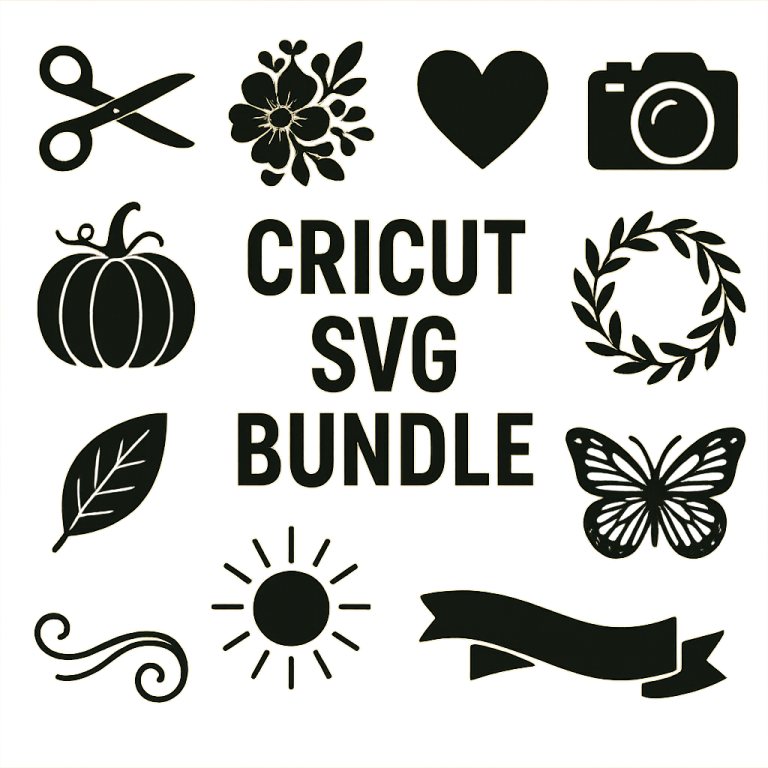
Laser cutting projects require precision and detail, making vector SVG bundles an ideal resource. SVG (Scalable Vector Graphics) files offer clear and scalable designs essential for creating intricate patterns and shapes. This guide explores the benefits of SVG bundles and suggests how to select and use them effectively in your laser cutting projects.
Benefits of Using SVG Bundles
SVG bundles provide multiple advantages for laser cutting enthusiasts:
- Scalability: SVG files can be scaled to any size without losing quality, ensuring precise cuts.
- Compatibility: Most laser cutting machines support SVG files, making them a versatile choice.
- Variety: Bundles often include a wide range of designs, from simple shapes to complex patterns.
- Cost-Effectiveness: Purchasing a bundle is usually more economical than buying individual designs.
Choosing the Right SVG Bundle
Selecting the right SVG bundle is crucial for the success of your project. Consider the following factors:
1. Project Requirements
Identify the specific needs of your project. Whether you need geometric shapes, floral patterns, or themed designs, ensure the bundle aligns with your vision.
2. Design Complexity
Consider your skill level and machine capabilities. Beginners may prefer simpler designs, while advanced users can opt for more intricate patterns.
3. Quality of SVG Files
High-quality SVG files have clean lines and well-defined paths. Check reviews or samples to ensure the files meet your standards.
4. Licensing and Usage Rights
Ensure the bundle comes with proper licensing for personal or commercial use, depending on your needs.
Popular Sources for SVG Bundles
Several platforms offer a wide range of SVG bundles suitable for laser cutting:
- Etsy: A marketplace with numerous SVG designers offering unique and themed bundles.
- Design Bundles: Known for a vast selection of high-quality SVG files and frequent sales.
- Creative Fabrica: Offers a subscription model with access to thousands of SVG files.
- Freepik: Provides both free and premium SVG designs for various projects.
Tips for Using SVG Bundles in Laser Cutting
To maximize the potential of your SVG bundles, consider these practical tips:
- Software Compatibility: Ensure your design software supports SVG files. Programs like Adobe Illustrator, CorelDRAW, and Inkscape are popular choices.
- Test Cuts: Before starting a full project, perform test cuts to calibrate your machine settings and ensure precision.
- Material Considerations: Different materials require different settings. Adjust your laser cutter based on the material thickness and type.
- Organize Your Files: Keep your SVG files organized in folders by project or theme for easy access.
Conclusion
Vector SVG bundles are invaluable resources for laser cutting projects, offering flexibility, precision, and creativity. By choosing the right bundle and following best practices, you can elevate your laser cutting endeavors, creating stunning and intricate designs with ease.