Halloween Pumpkin Face SVG Bundle: The Ultimate Guide for Cricut & Silhouette Crafters
Imagine transforming your Halloween crafts into true showstoppers with minimal effort. The secret? A well-designed Halloween Pumpkin Face SVG Bundle. Whether you’re a seasoned Cricut expert or just unboxing your first Silhouette, these digital designs are your ticket to hauntingly creative projects.
What is a Halloween Pumpkin Face SVG Bundle?
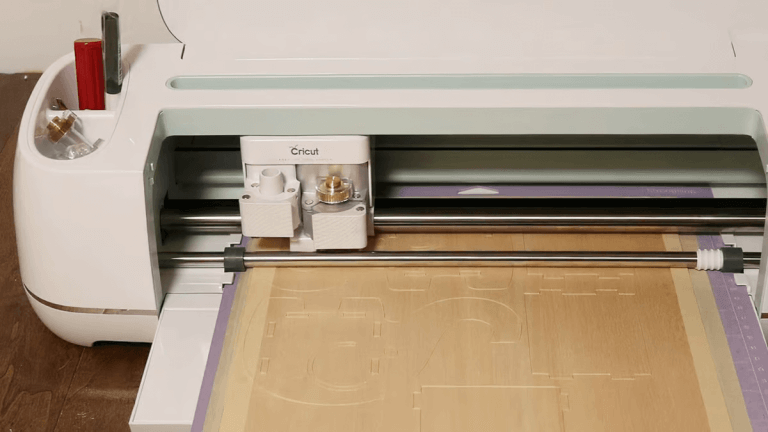
An SVG (Scalable Vector Graphic) file is a digital design format that’s ideal for cutting machines like Cricut and Silhouette. A Halloween Pumpkin Face SVG Bundle is a curated collection of pumpkin face designs, each ready to be cut, layered, or printed. These bundles typically include a variety of expressions, from spooky and scary to cute and quirky, so you can customize your Halloween décor and crafts for any vibe.
Why SVG Files?
SVG files have become the go-to for crafters due to their versatility. Unlike raster images (like JPEGs or PNGs), SVGs are vector-based, meaning they never lose quality no matter how much you scale or resize them. This makes them perfect for intricate cuts and detailed designs on any size project.
Popular Uses for Halloween Pumpkin Face SVG Bundles
The beauty of a Halloween Pumpkin Face SVG Bundle is its versatility. Here are some of the most popular—and creative—ways crafters are putting these designs to use:
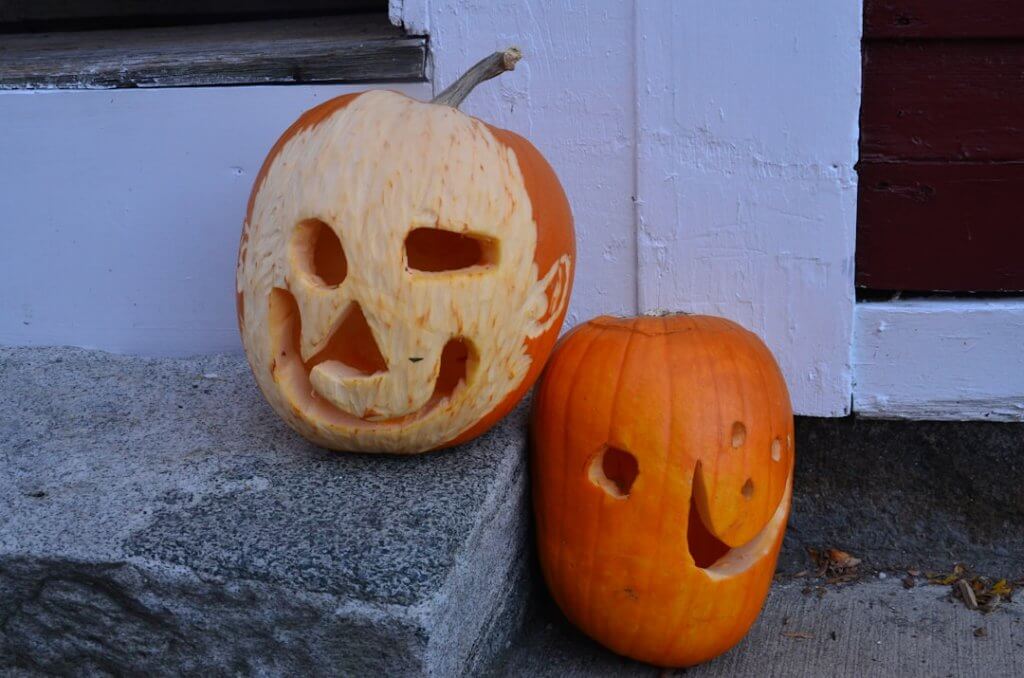
- Pumpkin Carving Stencils: Print or cut out the SVGs to use as templates for carving real or foam pumpkins.
- Vinyl Decals: Cut faces from adhesive vinyl to decorate windows, doors, mugs, or even your car.
- Iron-On/HTV Projects: Use heat-transfer vinyl (HTV) to apply pumpkin faces to t-shirts, tote bags, aprons, or pillow covers.
- Paper Crafts: Create banners, party invitations, treat bag toppers, and more, all featuring unique pumpkin faces.
- Wood Signs: Transfer SVG designs onto wooden blanks for rustic, farmhouse-style Halloween signs.
- Glow-in-the-Dark Projects: Use specialty vinyl or paint to make faces that light up at night.
Best Materials for Your SVG Pumpkin Faces
Choosing the right material can make or break your project. Here’s what works best with Halloween Pumpkin Face SVG Bundles when using Cricut or Silhouette machines:
- Adhesive Vinyl: Great for smooth surfaces like glass, plastic, and metal. Perfect for decals and window clings.
- Heat Transfer Vinyl (HTV): Ideal for fabrics—think t-shirts, bags, and costumes.
- Cardstock: Sturdy and easy to cut, cardstock is perfect for banners, invitations, and 3D crafts.
- Felt or Foam Sheets: For a softer, more dimensional look, use SVGs to cut shapes from felt or craft foam.
- Stencil Material: Use plastic or mylar sheets to make reusable stencils for pumpkin carving or painting.
- Wood Blanks: Paint or apply vinyl designs directly onto wood for signs and porch décor.
Pro tip: Always do a test cut with new materials to ensure your settings are dialed in for clean, crisp results.
Tips for Beginners Using Halloween Pumpkin Face SVG Bundles
New to using SVG files or cutting machines? Don’t worry! Here are some helpful tips for getting started:
- Download from a Reputable Source: Ensure your SVG files come from trustworthy sites to avoid corrupted or poorly designed files.
- Unzip Your Bundle: Most SVG bundles come compressed. Extract the files before uploading them to your cutting machine software.
- Use Your Machine’s Software: Import SVGs directly into Cricut Design Space or Silhouette Studio. Both platforms support SVGs and let you resize or customize your design.
- Check Your Machine Settings: Select the right material and blade settings for your project to avoid tearing or incomplete cuts.
- Weed Carefully: After cutting, remove the unwanted vinyl or paper pieces using a weeding tool for crisp, clean designs.
- Layer with Care: If your SVG bundle includes layered designs, assemble each layer in order—use transfer tape for vinyl projects to keep everything aligned.
- Practice Makes Perfect: Start with simple designs and gradually work your way up to more intricate pumpkin faces as your confidence grows.
Creative Project Ideas with Halloween Pumpkin Face SVG Bundles
Feeling inspired? Here are some project ideas to kick off your Halloween crafting:
- Family Pumpkin Patch: Use different SVG faces to personalize pumpkins for each family member—real or faux!
- Door Décor: Make a spooky (or silly) pumpkin face wreath to welcome trick-or-treaters.
- Classroom Crafts: Let kids mix and match SVG faces on paper pumpkins for an engaging classroom activity.
- Halloween Party Favor Bags: Add vinyl pumpkin faces to treat bags for a festive touch.
- Custom Apparel: Create matching pumpkin face t-shirts or pajamas for your family’s Halloween photoshoot.
- Light-Up Jack-o’-Lanterns: Use glow-in-the-dark vinyl or LEDs behind paper pumpkin faces for a magical effect.
Where to Find High-Quality Halloween Pumpkin Face SVG Bundles
Ready to dive in? The right SVG bundle can save you hours of design time and give your crafts a polished, professional look. For a massive selection of top-quality Halloween Pumpkin Face SVG Bundles, check out the SVG Kingdom’s bundle collection. With thousands of designs to choose from, you’ll find the perfect faces for every pumpkin, project, and party.
Conclusion
The Halloween Pumpkin Face SVG Bundle is your secret weapon for unforgettable Halloween crafts. From vinyl decals to party décor, these versatile designs open up a world of creative possibilities for Cricut and Silhouette users. Whether you’re a beginner or a seasoned maker, with the right SVG bundle and a little imagination, your Halloween projects are sure to impress.
Ready to take your crafting to the next level? Browse the ultimate SVG bundle collection now and start creating your spookiest, most creative Halloween ever!
Resources
- SVG Kingdom: 200,000+ SVG Designs
- Cricut: How to Use SVG Files
- Silhouette 101: Using SVG Files in Silhouette Studio
- JenniferMaker: Beginner’s Guide to Cricut Design Space
- Persia Lou: Free SVG Files for Cricut and Silhouette
FAQs
What is a Halloween Pumpkin Face SVG Bundle?
It’s a digital collection of pumpkin face designs in SVG format, perfect for use with cutting machines like Cricut and Silhouette. These bundles allow you to easily make professional-looking Halloween crafts.
How do I use an SVG bundle with my Cricut or Silhouette?
Simply download and unzip the bundle, then upload the SVG files into Cricut Design Space or Silhouette Studio. From there, you can size, cut, and customize your designs for various projects.
What materials work best with these SVG designs?
Popular materials include adhesive vinyl, heat transfer vinyl, cardstock, felt, foam, stencil material, and wood. Choose the material that suits your project best for optimal results.
Are Halloween Pumpkin Face SVG Bundles beginner-friendly?
Yes! These bundles are designed for all skill levels. With a few basic tips and practice, beginners can create impressive Halloween crafts using SVG files.
Where can I find high-quality Halloween Pumpkin Face SVG Bundles?
There are several reputable sources online. For a large variety and top-notch quality, visit SVG Kingdom for an extensive collection.