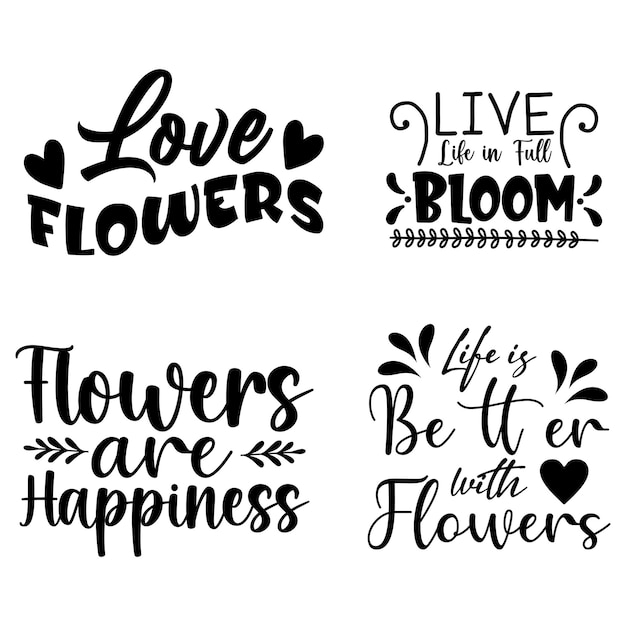
Introduction to SVG Files
Scalable Vector Graphics (SVG) are XML-based files ideal for web design due to their scalability and small file size. Unlike raster images, SVG files can be resized without losing quality, making them perfect for responsive design.
Benefits of Using SVG Files
- Scalability: SVG images can be scaled to any size without losing clarity.
- Performance: SVGs are lightweight, which helps in faster page loading times.
- Editability: Being XML-based, SVGs can be easily edited using text editors.
- Interactivity: SVGs support animations and interactions, enhancing user engagement.
- Accessibility: SVGs can be made accessible with the use of titles and descriptions within the file.
Top SVG File Resources
Here are some of the best resources for finding high-quality SVG files:
1. unDraw
unDraw offers a wide range of customizable illustrations that are free to use. These illustrations are perfect for enhancing your projects, providing both SVG and PNG formats.
2. Flaticon
Flaticon boasts an extensive collection of icons available in SVG format. It includes both free and premium resources, with a variety of styles to choose from.
3. SVGRepo
SVGRepo is a comprehensive library of SVG icons and illustrations. It offers a simple search functionality to help you find the right SVGs for your needs.
4. Iconfinder
Iconfinder provides a vast collection of SVG icons. It offers both free and premium options with a user-friendly interface to facilitate easy searching and downloading.
5. Vecteezy
Vecteezy hosts a large collection of vector art, including SVG files. The platform offers both free and premium content, catering to a variety of design needs.
6. Freepik
Freepik is a popular resource for designers, offering free and premium SVG files. It covers a wide range of categories, from business to abstract designs.
7. The Noun Project
The Noun Project is known for its extensive collection of icons. It provides SVG files that are easy to integrate into your projects, with a focus on simplicity and usability.
Tips for Using SVG Files
To maximize the benefits of SVG files, consider the following tips:
Optimize SVG Files
Before using SVG files, ensure they are optimized to reduce file size without compromising quality. Tools like SVGOMG can help streamline this process.
Use Inline SVGs for Better Performance
Inline SVGs can be directly embedded in HTML, which can improve load times and allow for easier manipulation with CSS and JavaScript.
Leverage CSS for Styling
SVGs can be styled using CSS, allowing for dynamic changes in appearance based on user interaction or other conditions.
Ensure Accessibility
Include descriptive titles and tags in your SVG files to make them accessible to screen readers, enhancing the overall user experience.
Conclusion
SVG files offer numerous advantages for web design, from scalability to interactivity. By utilizing top resources and following best practices, you can effectively integrate SVGs into your projects, enhancing both performance and user experience.