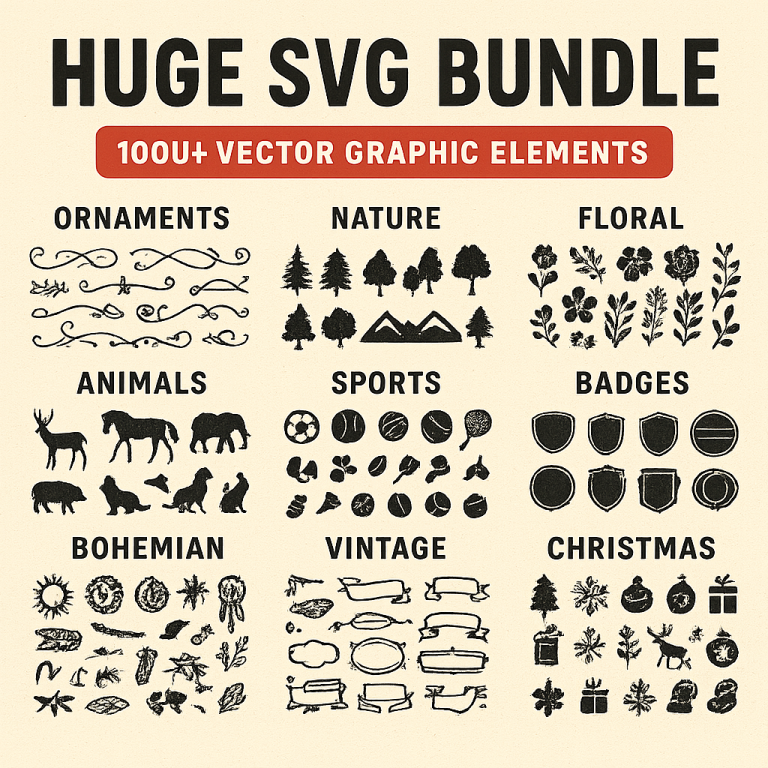
Design Sticker Packs Easily with SVG Bundles
Creating sticker packs can be a fun and rewarding project, whether for personal use or to sell online. Scalable Vector Graphics (SVG) bundles offer a versatile and efficient way to design unique stickers. In this guide, we’ll explore how SVG bundles simplify the sticker creation process and provide practical tips to get started.
Why Use SVG for Sticker Design?
- Scalability: SVG files are vector-based, meaning they can be resized without losing quality. This is crucial for maintaining crisp, clean lines in stickers of any size.
- Flexibility: SVG files can be easily edited, allowing for quick modifications and customizations.
- Compatibility: Most graphic design software supports SVG files, making them easy to integrate into your existing workflow.
Getting Started with SVG Bundles
SVG bundles are collections of SVG files packaged together, often sharing a common theme or style. Here’s how to get started with using SVG bundles for your sticker designs:
1. Choose a Theme
Start by selecting a theme for your sticker pack. This could be anything from cute animals to inspirational quotes. Having a clear theme will help you maintain consistency across your designs.
2. Find Quality SVG Bundles
Look for high-quality SVG bundles online. Websites like Etsy, Creative Market, and Design Bundles offer a wide variety of options. Ensure the SVGs are well-designed and suitable for your theme.
3. Customize Your SVG Files
Use graphic design software such as Adobe Illustrator, Inkscape, or Affinity Designer to edit your SVG files. You can change colors, add text, or combine elements from different SVGs to create unique designs.
4. Test Your Designs
Before finalizing your sticker pack, print a few test stickers to check the quality and appearance. This step helps you ensure that the designs look as expected when printed.
Tips for Creating Stunning Sticker Packs
- Keep It Simple: Stickers are often small, so simplicity is key. Avoid overcrowding your design with too many details.
- Use Bold Colors: Bright, vibrant colors tend to stand out and attract attention, making your stickers more appealing.
- Ensure Readability: If your stickers contain text, make sure it is legible at smaller sizes.
- Maintain Consistent Style: Stick to a consistent style throughout your sticker pack to create a cohesive collection.
Finalizing and Selling Your Sticker Pack
Once you’ve designed and tested your sticker pack, you can proceed to production. Consider using a professional printing service to ensure high quality. If you plan to sell your stickers, platforms like Etsy, Redbubble, or your own e-commerce website are great places to start.
Conclusion
SVG bundles make designing sticker packs easier and more efficient. By choosing a theme, customizing SVG files, and following design best practices, you can create eye-catching stickers that stand out. Whether for personal enjoyment or commercial purposes, SVG-based sticker design is an accessible and creative endeavor.