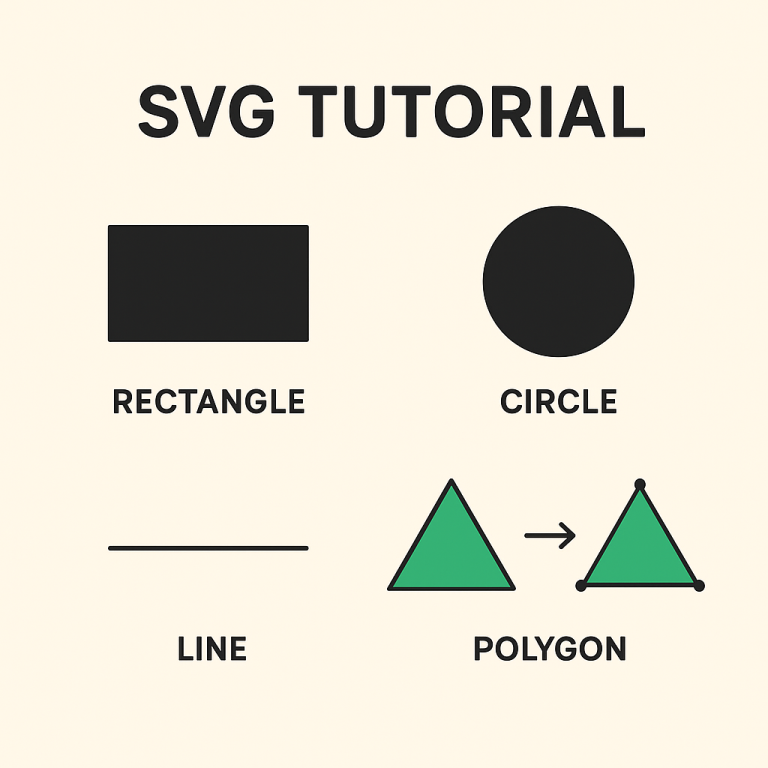
How to Convert PNG and JPG Images to SVG Using SVGKingdom
Converting raster images like PNG and JPG to vector formats such as SVG can enhance image scalability and quality. SVGKingdom offers a straightforward solution for this conversion. Here’s a practical guide to using their online tool efficiently.
Why Convert to SVG?
- Scalability: SVG images can be scaled to any size without losing quality.
- Editability: SVG files are easier to edit with vector graphics software.
- Performance: SVGs often have smaller file sizes compared to high-resolution raster images, improving web page load times.
Steps to Convert PNG and JPG to SVG
- Visit SVGKingdom: Go to svgkingdom.com/png-to-svg/.
- Select Your Image: Click on the “Choose File” button to upload your PNG or JPG image. Ensure the image is clear and of high quality for the best conversion results.
- Adjust Settings: Before conversion, you may have options to adjust settings like color depth and detail level. These can affect the quality and size of the resulting SVG.
- Start Conversion: Click the “Convert” button to initiate the conversion process. This typically takes a few seconds, depending on the file size.
- Download Your SVG: Once the conversion is complete, you can download the SVG file. Save it to your preferred location for easy access.
Tips for Optimal Conversion
- Use High-Quality Images: Start with the highest quality PNG or JPG possible to ensure a smooth conversion.
- Check the Output: Review the SVG output to ensure it meets your quality standards. Minor edits may be necessary using vector graphic software.
- Experiment with Settings: If the first conversion does not meet your expectations, try adjusting the settings for a better result.
Benefits of Using SVGKingdom
- User-Friendly Interface: The platform is intuitive, making it accessible even for beginners.
- Fast Processing: Conversions are quick, allowing you to obtain your SVG files without long waits.
- Free to Use: SVGKingdom provides its conversion service at no cost, making it ideal for personal and professional use.
Conclusion
Converting PNG and JPG images to SVG using SVGKingdom is an efficient way to enhance your graphics for web and print use. By following the steps outlined above, you can easily transform your raster images into scalable vector graphics, taking advantage of SVG’s numerous benefits.
For more advanced editing, consider using vector editing software post-conversion to tweak and perfect your SVG files. Embrace the power of SVG to improve your digital projects today!