Keep Your Cricut Machine Running Like New
Cricut machines are fantastic tools for crafters, allowing for precision cutting and endless creative possibilities. To ensure your Cricut continues to perform at its best, regular maintenance is essential. This guide provides practical tips to keep your machine running smoothly and efficiently.
Regular Cleaning
Dust and debris can accumulate in your Cricut machine, affecting its performance. Follow these steps to keep it clean:
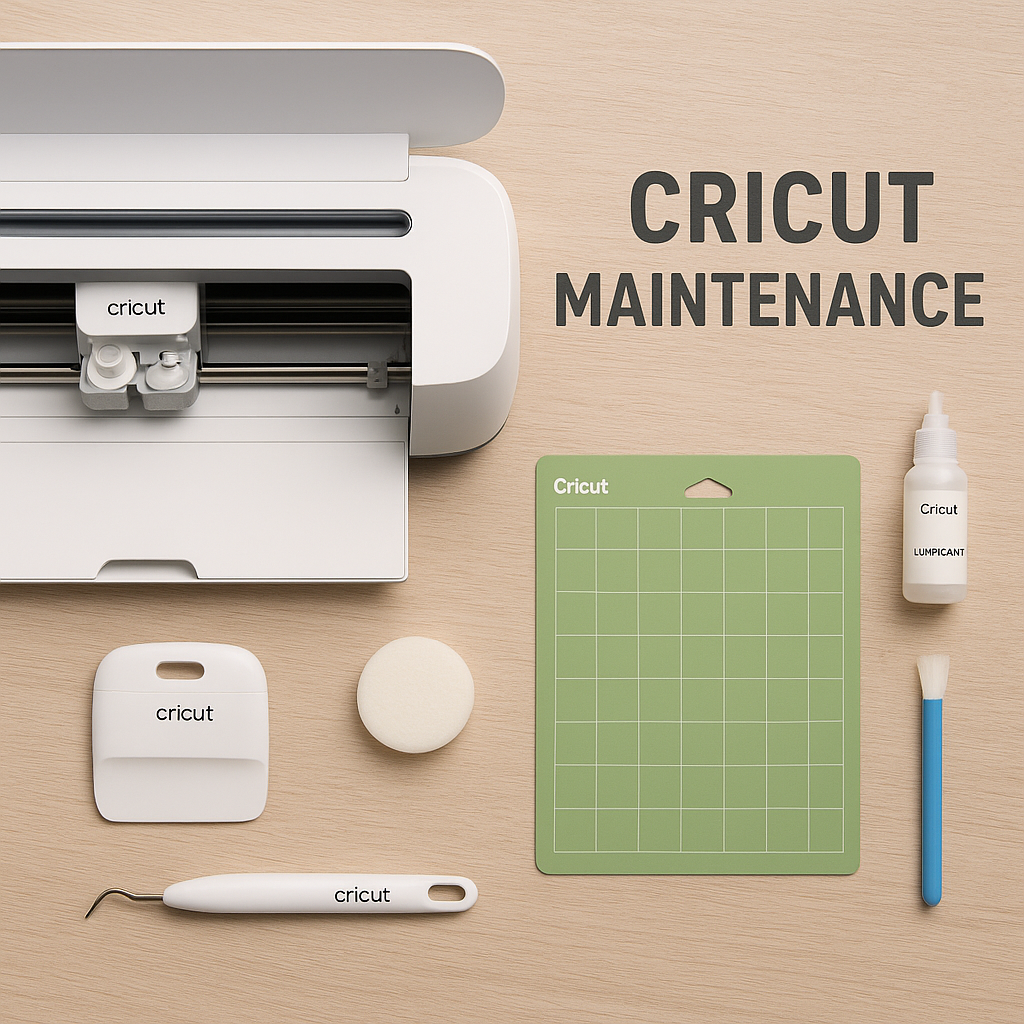
- Exterior Cleaning: Use a soft, damp cloth to wipe down the exterior of the machine. Avoid using harsh chemicals that might damage the surface.
- Interior Cleaning: Carefully open the machine and use compressed air to remove dust from internal components. Be gentle to avoid damaging sensitive parts.
- Mat Maintenance: Regularly clean your cutting mats with a lint roller or a gentle soap and water solution. Allow them to dry completely before use.
Blade Care
The cutting blade is a crucial component of your Cricut machine. Proper care extends its lifespan and maintains cutting precision:
- Blade Cleaning: Remove the blade housing and gently clean the blade with a soft brush to remove any stuck material.
- Blade Replacement: Replace the blade when you notice it is no longer cutting cleanly or requires more pressure.
Software Updates
Keeping your Cricut software up-to-date ensures optimal performance and access to new features:
- Check for updates regularly through the Cricut Design Space application.
- Install updates promptly to benefit from bug fixes and enhancements.
Storage Best Practices
Proper storage is vital for protecting your Cricut machine from damage:
- Store in a dry, dust-free environment to prevent moisture and debris accumulation.
- Use a dust cover when the machine is not in use to keep it clean.
- Keep the machine on a stable surface to avoid accidental falls or damage.
Check for Wear and Tear
Regular inspections can help you identify potential issues before they become significant problems:
- Inspect the power cord and connections for any signs of wear or damage.
- Check for unusual noises or vibrations during operation, which may indicate a need for service.
Preventive Measures
Taking proactive steps can help extend the lifespan of your Cricut machine:
- Use the correct settings for each material to prevent strain on the machine.
- Avoid overloading the machine with too many tasks at once.
- Regularly calibrate the machine to maintain cutting accuracy.
Conclusion
By following these practical tips, you can keep your Cricut machine running like new. Regular maintenance, proper storage, and preventive measures will ensure that your Cricut continues to deliver precise and beautiful results for all your crafting projects. Happy crafting!