Advanced Tips for Cricut Maker 3 Users
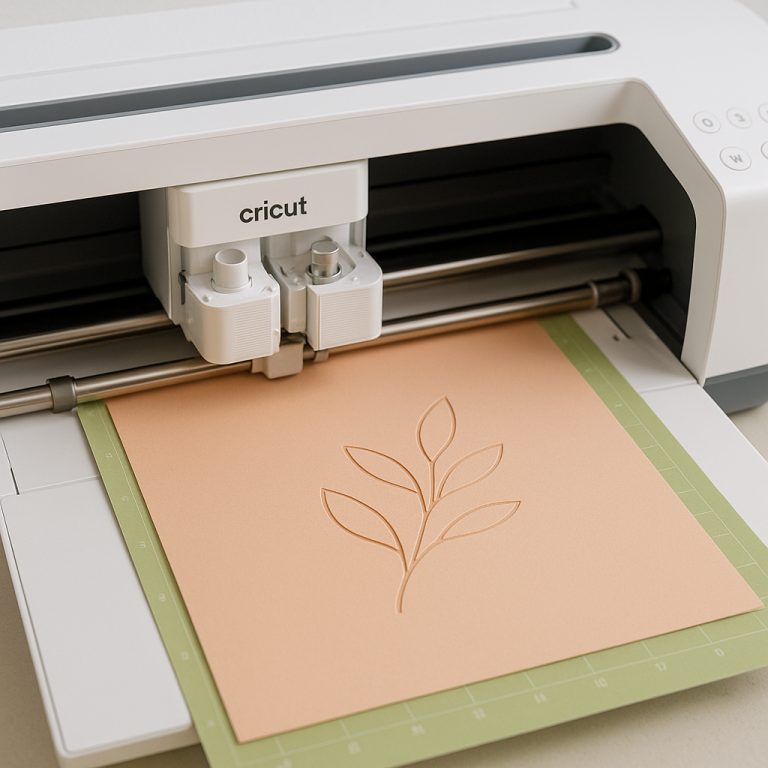
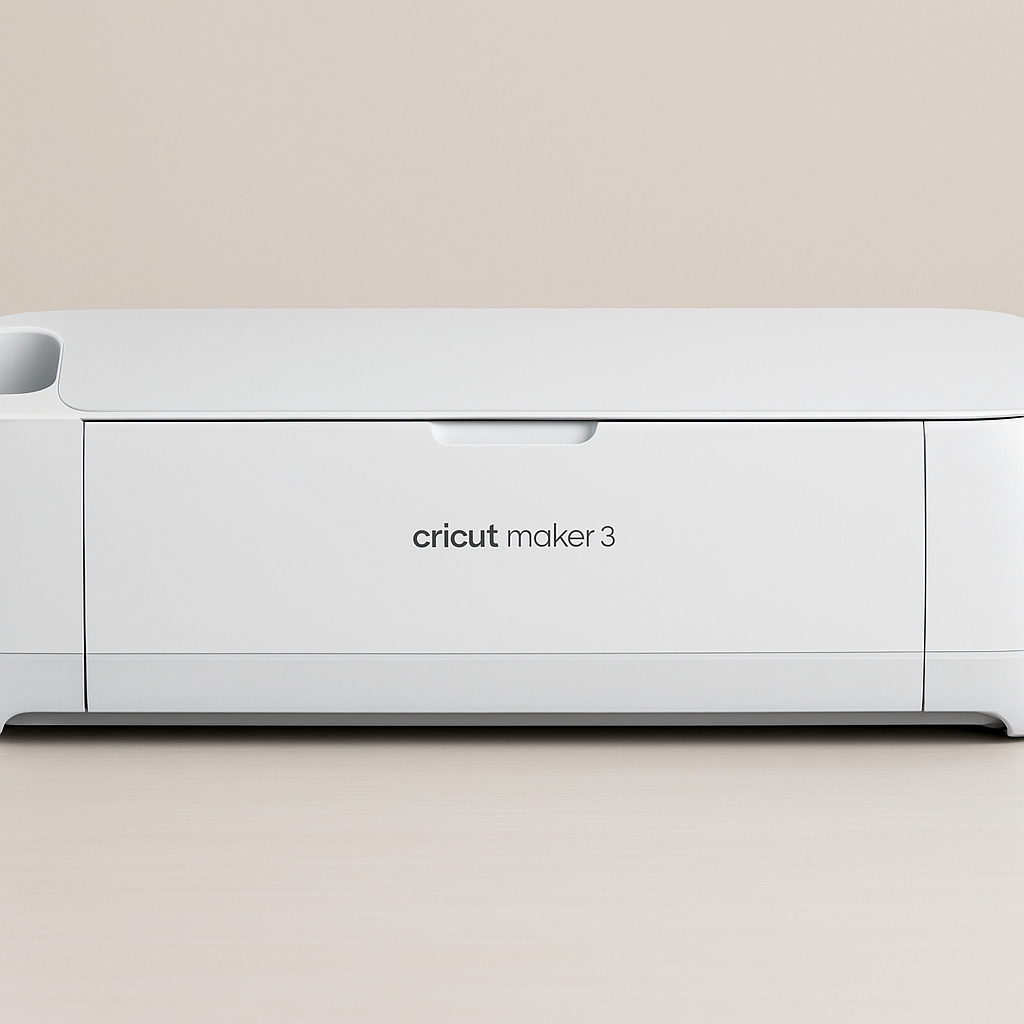
The Cricut Maker 3 is a powerful tool for crafting enthusiasts, offering a wide range of capabilities. Whether you’re cutting, scoring, or engraving, understanding the nuances of your machine can elevate your projects. Here are some advanced tips to help you make the most of your Cricut Maker 3.
Optimize Material Settings
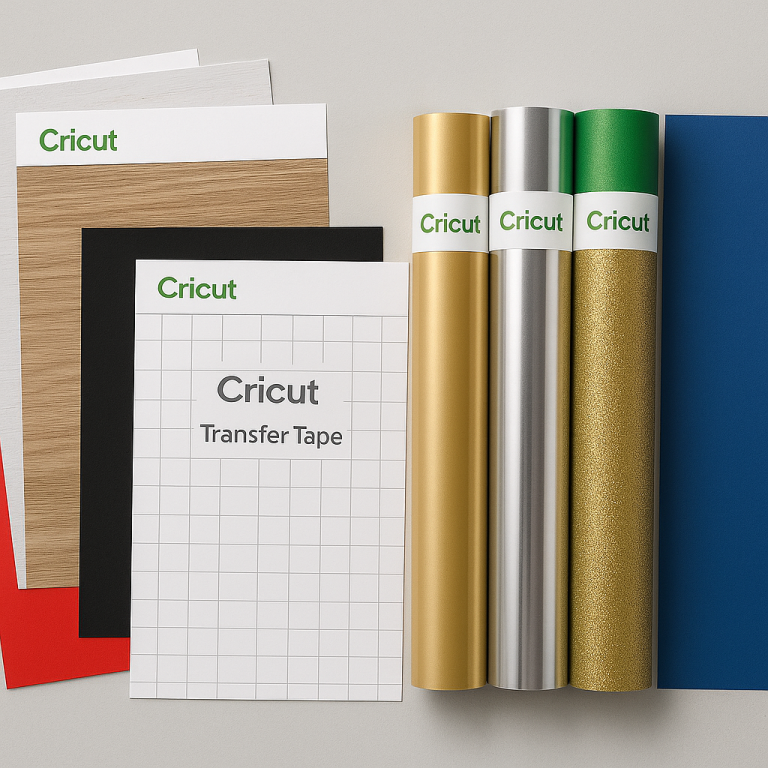
The Cricut Maker 3 can cut over 300 materials, but for the best results, customize your material settings. Use the following tips to optimize your cuts:
- Test Cuts: Before working on a full project, perform a small test cut on a scrap piece of material to ensure the settings are correct.
- Custom Settings: If the default settings aren’t suitable, use the custom setting option to adjust pressure and blade type for unique materials.
Maximize Blade Efficiency
Keeping your blades in top condition is crucial for precise cuts:
- Regular Cleaning: Clean the blade housing regularly to remove debris and ensure smooth operation.
- Blade Rotation: Rotate your blades between projects to distribute wear evenly and extend their lifespan.
Leverage Design Space Features
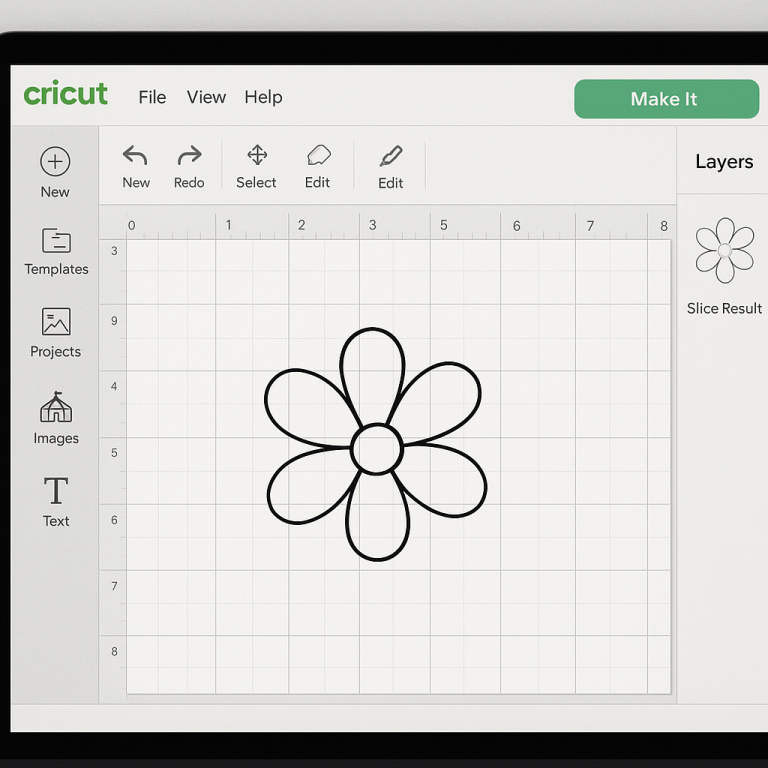
Cricut Design Space offers numerous features that can enhance your projects:
- Advanced Editing: Use the contour tool to hide or reveal specific parts of a design, allowing for more intricate customization.
- Template Use: Utilize templates to visualize your projects on various surfaces, ensuring correct sizing and placement.
Utilize Smart Materials
Smart Materials enable matless cutting, which can save time and simplify the cutting process:
- Long Cuts: Take advantage of Smart Materials for projects up to 12 feet long without needing a cutting mat.
- Quick Load: The Cricut Maker 3 automatically detects Smart Materials, streamlining the loading process.
Explore Advanced Tools
The Cricut Maker 3 is compatible with a variety of tools beyond the standard blade:
- Knife Blade: Ideal for thicker materials like balsa wood and chipboard, offering precision and power.
- Rotary Blade: Perfect for cutting fabric without backing, ensuring clean cuts without dragging.
- Engraving Tip: Add intricate designs to materials like metal and acrylic for personalized projects.
Maintain Your Machine
Proper maintenance is essential for the longevity of your Cricut Maker 3:
- Regular Calibration: Calibrate your machine periodically, especially after changing blades or tools, to maintain accuracy.
- Firmware Updates: Keep the firmware updated through Cricut Design Space to access the latest features and improvements.
Join the Community
Engage with the Cricut community to expand your skills and gain inspiration:
- Online Forums: Participate in forums and social media groups to share tips, troubleshoot issues, and find inspiration.
- Workshops and Tutorials: Attend workshops and watch tutorials to learn new techniques and stay updated with the latest trends.
By implementing these advanced tips, Cricut Maker 3 users can enhance their crafting experience, leading to more successful and creative projects. Explore the full potential of your machine and enjoy the endless possibilities it offers.