Introduction to Cricut Joy and SVG Bundles
The Cricut Joy is a versatile, compact cutting machine perfect for crafting enthusiasts who love creating personalized items. When combined with SVG (Scalable Vector Graphics) bundles, it becomes an even more powerful tool for making intricate designs. SVG bundles provide a collection of pre-designed files that you can use to create a variety of projects effortlessly.
Why Use SVG Bundles?
SVG bundles offer several benefits for Cricut Joy users:
- Time-saving: Skip the design phase and jump straight into crafting with ready-to-use files.
- Variety: Access a wide range of designs to suit any project or theme.
- Customization: Easily modify SVG files to fit your specific needs.
- Cost-effective: Bundles often come at a lower price than purchasing individual designs.
Creative Project Ideas Using Cricut Joy and SVG Bundles
1. Personalized Greeting Cards
Use your Cricut Joy to create beautiful, personalized greeting cards for any occasion. With SVG bundles, you can find intricate card designs that include elements like pop-ups, cut-outs, and layered decorations. Simply load the SVG file, choose your cardstock, and let the Cricut Joy do the cutting. Add personal touches with handwritten notes or additional embellishments.
2. Custom Vinyl Decals
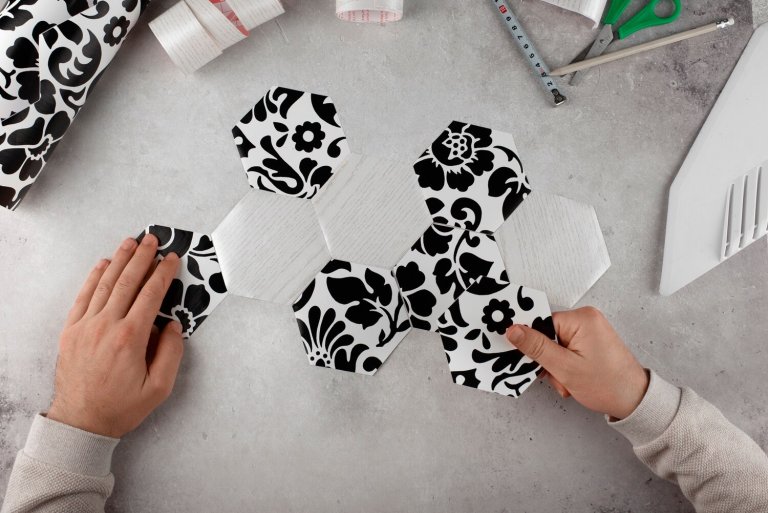
Vinyl decals are perfect for personalizing everything from water bottles to laptops. SVG bundles offer a plethora of designs, from minimalist icons to detailed illustrations. Select a design, cut it out using adhesive vinyl, and apply it to your chosen surface. This project is quick and easy, making it ideal for gifts or personal use.
3. Decorative Home Signs
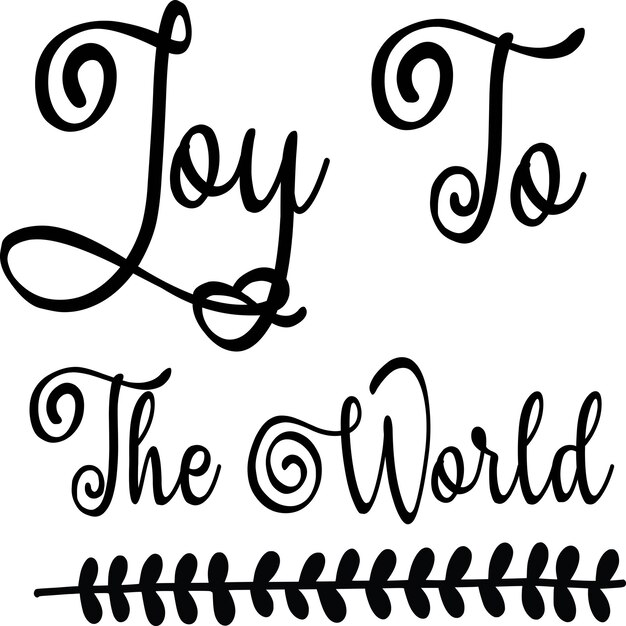
Create stunning home decor with wooden signs using SVG bundles. Choose a design that fits your home’s aesthetic, cut it from vinyl or stencil material, and transfer it onto a wooden surface. Paint over the stencil to create a professional-looking sign that adds a personal touch to any room.
4. Iron-On T-Shirts and Apparel
Design custom t-shirts, tote bags, or aprons using iron-on vinyl and SVG designs. Select a graphic or phrase from your SVG bundle, cut it out with the Cricut Joy, and use a heat press or iron to transfer it onto fabric. This is a fantastic way to create personalized gifts or team apparel.
5. Intricate Paper Crafts
SVG bundles can transform paper into art. Create intricate paper flowers, 3D models, or layered shadow boxes. These projects often involve cutting multiple layers of paper that are then assembled to create depth and dimension. Perfect for home decor or unique gift packaging.
Tips for Using SVG Bundles with Cricut Joy
Choose Compatible Files
Ensure the SVG files you select are compatible with Cricut Design Space. Most SVG bundles are designed for compatibility, but it’s always good to double-check.
Optimize Cut Settings
Adjust the cut settings in Cricut Design Space according to the material you are using. Different materials like cardstock, vinyl, and fabric require different settings for the best results.
Organize Your SVG Files
Keep your SVG files organized on your computer for easy access. Create folders by project type or theme to quickly find the designs you need.
Experiment with Materials
Don’t limit yourself to traditional materials. Experiment with different textures and types of materials, such as foil, leather, or even felt, to create unique projects.
Where to Find SVG Bundles
There are numerous online resources where you can find SVG bundles, both free and paid. Some popular sites include:
- Etsy: A marketplace with a vast selection of SVG bundles from various designers.
- Design Bundles: Offers a wide range of themed SVG bundles at competitive prices.
- Creative Fabrica: Provides a subscription service for unlimited access to SVG files and fonts.
- Free SVG Websites: Several websites offer free SVG files for personal use.
Conclusion
Using SVG bundles with your Cricut Joy opens up a world of creative possibilities. Whether you’re making personalized gifts, decorating your home, or crafting for fun, these bundles provide the resources you need to create beautiful, professional-quality projects. Explore different designs, experiment with materials, and enjoy the crafting journey with your Cricut Joy.