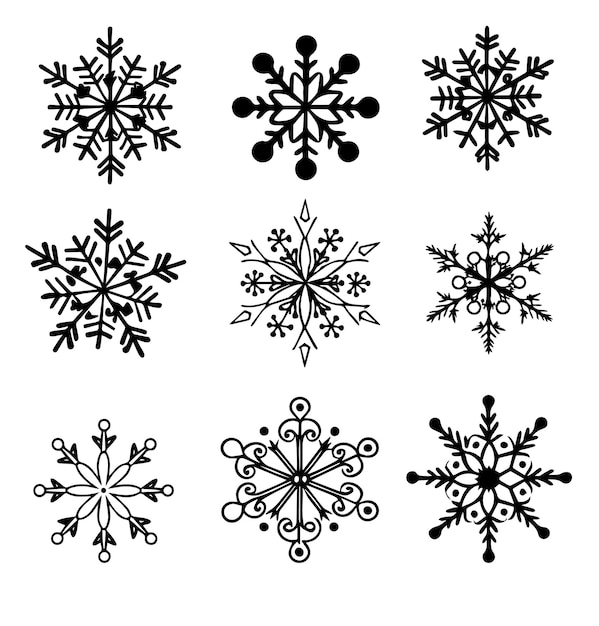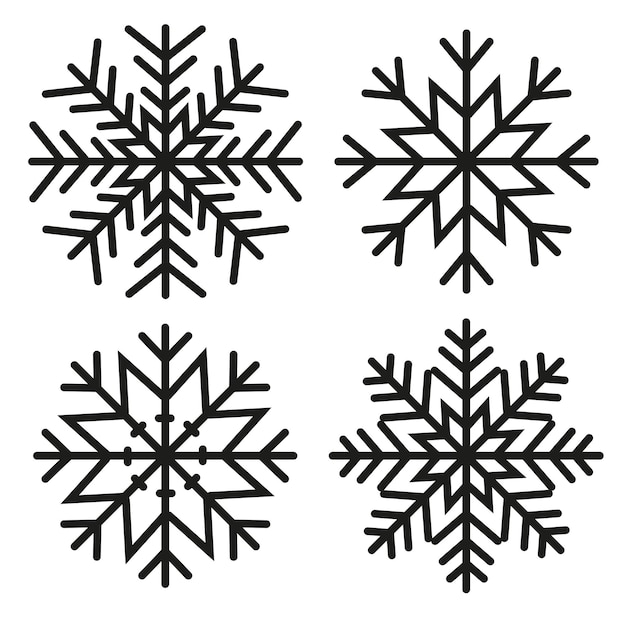
Creating Winter Decor with Snowflake SVG Files
Snowflake SVG files are a versatile resource for crafting beautiful winter-themed ornaments and decorations using your Cricut machine. Whether you’re a seasoned crafter or a beginner, these files can add a touch of elegance to your holiday projects. This guide will help you understand how to utilize snowflake SVG files effectively.
What Are SVG Files?
SVG (Scalable Vector Graphics) files are digital images composed of paths, which makes them infinitely scalable without losing quality. This format is ideal for Cricut projects, allowing you to create intricate designs with precision.
Finding Snowflake SVG Files
There are numerous sources where you can find snowflake SVG files:
- Online Marketplaces: Websites like Etsy and DesignBundles offer a variety of snowflake SVG files, both free and paid.
- Craft Blogs: Many craft bloggers provide free SVG files as part of their tutorials.
- Design Software: Programs like Adobe Illustrator or Inkscape allow you to create custom snowflake designs.
Preparing Your SVG Files for Cricut
Once you have your snowflake SVG files, follow these steps to prepare them for cutting:
- Upload to Cricut Design Space: Open Cricut Design Space and upload your SVG file. This software will recognize the file and allow you to make adjustments.
- Adjust the Size: Use the resize tool to fit your project needs. Remember, SVG files can be resized without losing quality.
- Check the Layers: Ensure that all layers are correctly set for cutting. You can adjust the cut settings for each layer if needed.
Materials Needed for Snowflake Ornaments
To create beautiful snowflake ornaments, you’ll need the following materials:
- Cricut Machine: Any model, such as Cricut Maker or Cricut Explore Air 2, will work.
- Cutting Mat: StandardGrip or LightGrip mats are suitable for most materials.
- Vinyl or Cardstock: Choose based on your project, whether it’s a wall decal or a paper ornament.
- Transfer Tape: Essential if you’re working with vinyl.
- Weeding Tools: For removing excess material from your cut design.
Creating Snowflake Ornaments
Follow these steps to create your snowflake ornaments:
- Select Your Material: Decide whether you want to use vinyl, cardstock, or another material. Vinyl is great for durable decorations, while cardstock is ideal for lightweight ornaments.
- Cut the Design: Load your material onto the cutting mat and select the appropriate cut settings in Cricut Design Space. Press ‘Go’ to start cutting.
- Weed the Design: Use weeding tools to remove the unwanted pieces of material, leaving your snowflake design intact.
- Assemble the Ornament: If using vinyl, apply transfer tape and then adhere the snowflake to your desired surface. For cardstock, assemble using glue or thread for hanging.
Additional Winter Decor Ideas
Snowflake SVG files can be used beyond ornaments. Here are some creative ideas:
- Window Clings: Use frosted vinyl to create snowflake decals for your windows.
- Gift Tags: Cut small snowflakes from cardstock to use as unique gift tags.
- Garlands: String together multiple snowflakes to create a festive garland.
- Table Decor: Use snowflake cutouts as elegant table settings or coasters.
Tips for Successful Projects
Here are some tips to ensure your snowflake projects are successful:
- Test Cuts: Before cutting your final design, do a test cut to ensure settings are correct.
- Material Selection: Choose high-quality materials for the best results and longevity.
- Layer Management: In Cricut Design Space, organize layers effectively to avoid cutting errors.
- Detailed Designs: For intricate designs, ensure your blade is sharp and the material is secure on the mat.
Conclusion
Using snowflake SVG files for Cricut projects is a fun and rewarding way to create beautiful winter decorations. With the right materials and careful preparation, you can craft a wide variety of ornaments and decor that will bring the magic of winter into your home. Explore different designs and materials to make your holiday season extra special.