Introduction to Cricut Downloads
Cricut machines have revolutionized the crafting world by allowing hobbyists and professionals alike to create intricate designs with ease. One of the key elements in maximizing the potential of Cricut machines is utilizing the right downloads, particularly SVG files. These files are essential for creating precise and detailed cuts. In this guide, we explore the top Cricut downloads and how SVG bundles can simplify your crafting projects.
What Are SVG Files?
SVG stands for Scalable Vector Graphics. These files are perfect for Cricut machines because they contain vector images that can be scaled to any size without losing quality. SVG files are versatile and can be used for a variety of projects, including vinyl decals, paper crafts, and fabric designs.
Benefits of Using SVG Files
- Scalability: SVG files can be resized without any loss of quality, making them ideal for projects of any size.
- Compatibility: Most design software and cutting machines, including Cricut, support SVG files.
- Editable: SVG files can be easily edited to customize designs according to your needs.
Top Cricut Downloads
Finding the right downloads is crucial for successful crafting projects. Here are some popular types of SVG files that every Cricut user should consider:
1. Monogram Fonts
Monograms are a classic design element that can personalize any project. SVG files with monogram fonts allow you to create customized initials for items like tote bags, mugs, and shirts.
2. Seasonal Designs
Seasonal SVG files are perfect for creating themed decorations and gifts. Whether it’s Christmas, Halloween, or Easter, having a collection of seasonal designs enhances the festive spirit.
3. Inspirational Quotes
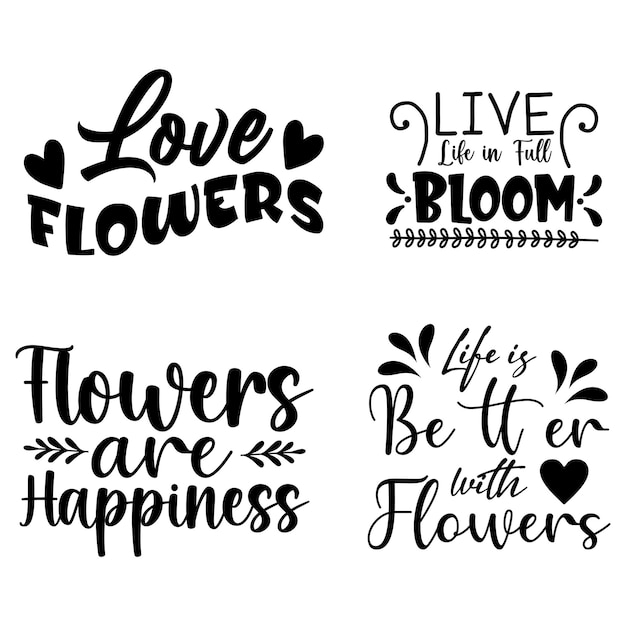
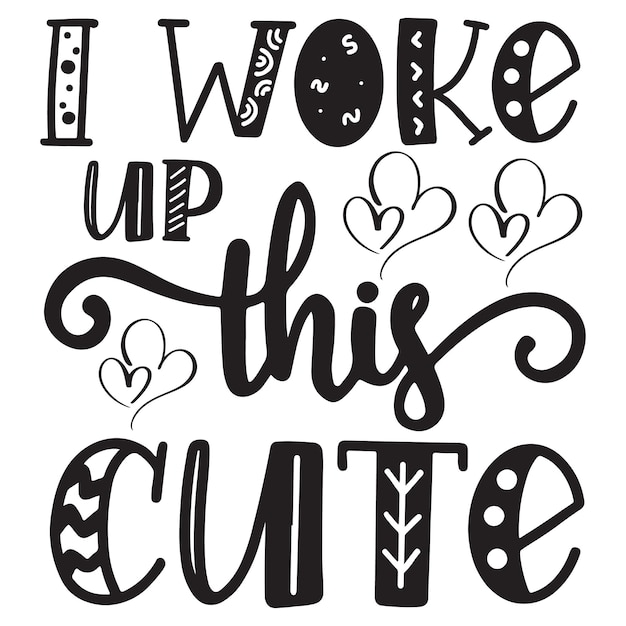
Inspirational quote SVG files are popular for home décor projects. They can be used to create wall art, t-shirts, or mugs that spread positivity and motivation.
4. Patterned Backgrounds
Patterned SVG files can be used as backgrounds or accents in various projects. These include geometric patterns, floral designs, and abstract shapes that add depth and interest to your creations.
5. 3D Projects
SVG files for 3D projects allow you to create intricate paper crafts, such as boxes and cards, that have a professional finish. These files often come with detailed instructions to guide you through the assembly process.
Advantages of SVG Bundles
SVG bundles are collections of related SVG files sold together at a discounted price. Here’s why they are beneficial for crafters:
Cost-Effective
Buying SVG files in bundles is often cheaper than purchasing each file individually. This is especially useful for crafters who frequently need a variety of designs.
Variety and Versatility
Bundles offer a wide range of designs that can be used across different projects. This variety ensures you have the right design for any occasion.
Time-Saving
Having a bundle of designs at your disposal saves time spent searching for individual files. This allows you to focus more on the creative aspects of your projects.
How to Use SVG Bundles with Cricut
Using SVG bundles with your Cricut machine is a straightforward process. Follow these steps to get started:
- Download and Unzip: Once you purchase or download an SVG bundle, unzip the files to access the individual SVGs.
- Upload to Design Space: Open Cricut Design Space and upload the SVG files you wish to use for your project.
- Customize Your Design: Use the Design Space tools to resize, edit, or customize your SVG file as needed.
- Prepare for Cutting: Once satisfied with your design, prepare your Cricut machine and materials for cutting.
- Create Your Project: Follow the prompts in Design Space to cut and assemble your project.
Where to Find SVG Bundles
There are numerous online resources where you can find high-quality SVG bundles. Some popular sites include:
- Etsy – A marketplace for unique and handcrafted goods, including SVG files.
- Creative Fabrica – Offers a wide range of crafting resources, including SVG bundles.
- Design Bundles – Provides affordable design resources for crafters.
Conclusion
SVG files and bundles are essential tools for Cricut users, offering endless possibilities for crafting projects. By understanding the types of SVG files available and how to use them effectively, you can enhance your crafting skills and create professional-quality designs with ease. Explore the vast array of SVG bundles available online to find the perfect designs for your next project.