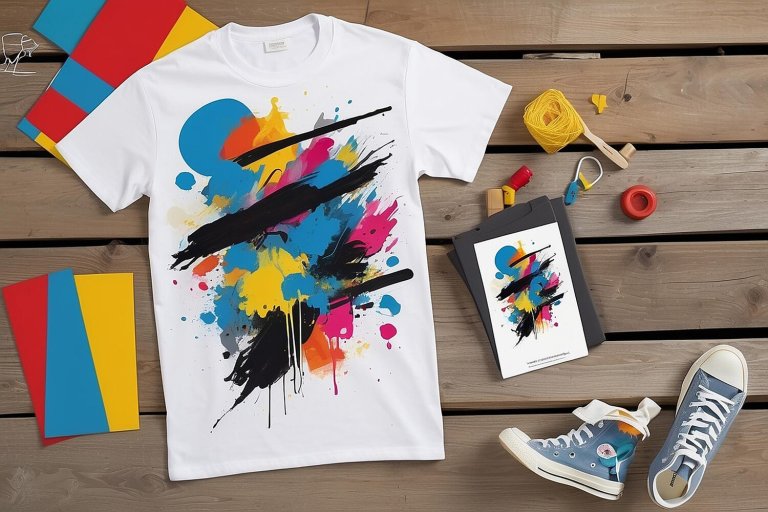
Expanding Product Offerings with SVG Bundles
In the fast-paced world of digital products, staying ahead means constantly evolving and expanding your offerings. One effective way to do this is by utilizing SVG bundles. Scalable Vector Graphics (SVG) provide a versatile, lightweight, and high-quality solution for expanding your product lineup quickly and efficiently. This guide explores how SVG bundles can be leveraged to enhance your product offerings.
What Are SVG Bundles?
SVG bundles are collections of vector-based graphics that can be scaled to any size without losing quality. These bundles often contain a variety of designs, icons, and illustrations that can be used across multiple products. SVGs are particularly beneficial because they are resolution-independent and can be easily manipulated with CSS and JavaScript.
Benefits of Using SVG Bundles
Incorporating SVG bundles into your product offerings provides several advantages:
- Scalability: SVGs maintain their quality at any size, making them perfect for responsive design.
- Performance: SVG files are typically smaller than raster images, leading to faster load times.
- Customization: Easily customize SVGs with CSS to match your brand’s look and feel.
- Consistency: Use a cohesive set of graphics across different platforms and products.
How to Use SVG Bundles to Expand Product Offerings
Integrating SVG bundles into your products can be a straightforward process. Here’s a step-by-step approach:
1. Identify Product Needs
Start by assessing your current product lineup and identifying areas where SVGs can add value. This could be through enhancing visual appeal, improving user experience, or adding new features.
2. Choose or Create SVG Bundles
Select SVG bundles that align with your brand and product goals. You can either purchase ready-made bundles from marketplaces or create custom SVGs tailored to your needs.
3. Integrate SVGs into Products
Incorporate the SVGs into your products, ensuring they are properly optimized for performance. Use CSS for styling and JavaScript for interactive elements if necessary.
4. Test and Iterate
Conduct thorough testing to ensure that the SVGs render correctly across different devices and browsers. Gather feedback and make necessary adjustments to improve performance and user experience.
5. Launch and Market
Once the SVGs are integrated and tested, launch your updated products. Highlight the new features and enhancements in your marketing efforts to attract and engage customers.
Examples of SVG Bundles in Action
Here are a few examples of how businesses have successfully used SVG bundles to expand their product offerings:
- Icon Sets: Companies like Slack and Dropbox use icon sets to create a consistent and recognizable interface.
- Interactive Graphics: Platforms like Google Maps use SVGs for interactive maps that scale seamlessly across devices.
- Data Visualization: Tools like Tableau utilize SVGs for creating scalable and interactive data visualizations.
Best Practices for Using SVG Bundles
To maximize the benefits of SVG bundles, consider these best practices:
- Optimize SVG Files: Use tools like SVGO to compress SVG files without losing quality.
- Maintain Accessibility: Ensure SVGs are accessible by providing descriptive titles and
aria-labels. - Leverage CSS and JavaScript: Utilize CSS for styling and JavaScript for adding interactivity to SVGs.
- Keep Consistency: Use a consistent style across all SVGs to maintain brand identity.
Conclusion
SVG bundles offer a powerful way to expand and enhance your product offerings quickly. By leveraging their scalability, performance, and customization capabilities, you can create visually appealing and functional products that meet the needs of your users. Whether you’re looking to improve existing products or launch new ones, integrating SVG bundles is a strategic move that can drive growth and innovation.