Understanding SVG Bundles for Sublimation
SVG (Scalable Vector Graphics) files are a popular choice for sublimation due to their scalability and flexibility. They allow for high-quality prints without pixelation, making them ideal for creating designs on various substrates. This guide will walk you through converting and using SVG bundles effectively for sublimation projects.
What is an SVG Bundle?
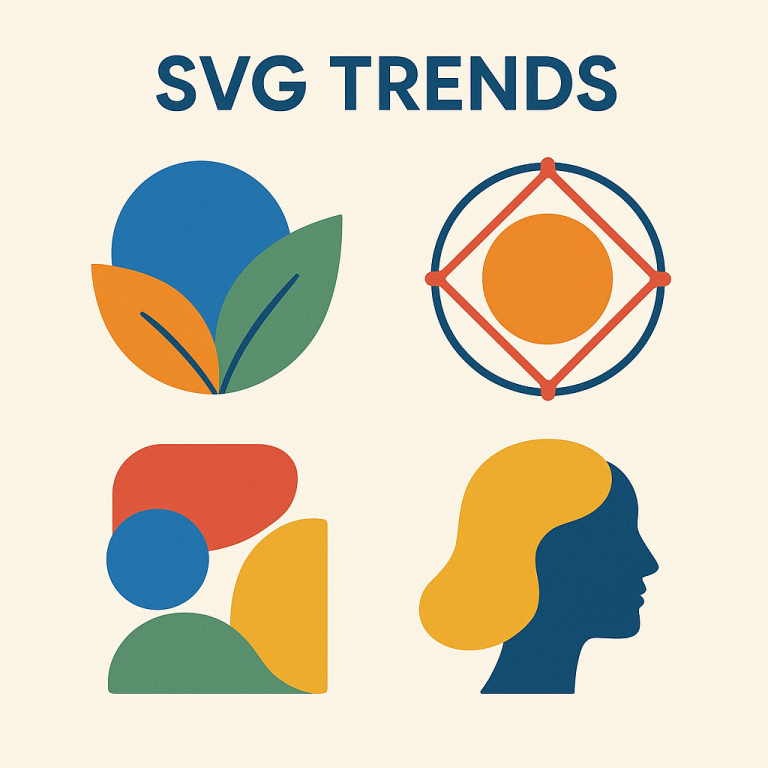
An SVG bundle typically includes multiple SVG files packaged together, often around a common theme or design style. These bundles provide a variety of design options, enabling you to create diverse and intricate sublimation projects with ease.
Why Use SVG Bundles?
- Versatility: SVG files can be resized without losing quality, making them suitable for different sizes of print media.
- Customization: They can be easily edited and customized using design software.
- Efficiency: Bundles offer a collection of ready-to-use designs, saving time on design creation.
Converting SVG Files for Sublimation
To use SVG files for sublimation, you may need to convert them into a format compatible with your sublimation printer. Here’s how:
- Choose a Design Software: Use software like Adobe Illustrator, CorelDRAW, or free options such as Inkscape to open and edit SVG files.
- Edit the Design: Customize the design as needed, adjusting colors, shapes, or adding text to suit your project.
- Export to Print-Ready Format: Convert the edited SVG file to a print-ready format like PNG or JPEG. Ensure the resolution is set high (300 DPI is recommended) for crisp prints.
Preparing for Sublimation Printing
Once your design is ready, follow these steps to prepare for sublimation printing:
- Mirror the Image: Ensure the image is mirrored to appear correctly upon transfer.
- Select the Right Paper: Use sublimation paper compatible with your printer and substrate.
- Check Printer Settings: Adjust your printer settings to match the requirements of sublimation printing, focusing on color profiles and print quality.
Using SVG Bundles in Sublimation Projects
SVG bundles can be utilized in various sublimation projects, including:
- T-Shirts: Create personalized apparel with custom designs.
- Mugs: Design unique drinkware with intricate patterns.
- Home Décor: Craft decorative items like pillows and wall art.
- Accessories: Personalize items like phone cases and keychains.
Tips for Successful Sublimation
- Test Prints: Always conduct test prints to ensure color accuracy and design placement.
- Quality Substrates: Use high-quality substrates that are specifically designed for sublimation.
- Correct Heat and Pressure: Follow manufacturer guidelines for heat press settings to achieve optimal results.
Conclusion
Using SVG bundles for sublimation projects can significantly enhance the quality and variety of your creations. By understanding how to convert and prepare SVG files, you can unlock endless possibilities in your sublimation endeavors. Embrace the flexibility and creativity that SVG bundles offer and create stunning, personalized items with ease.