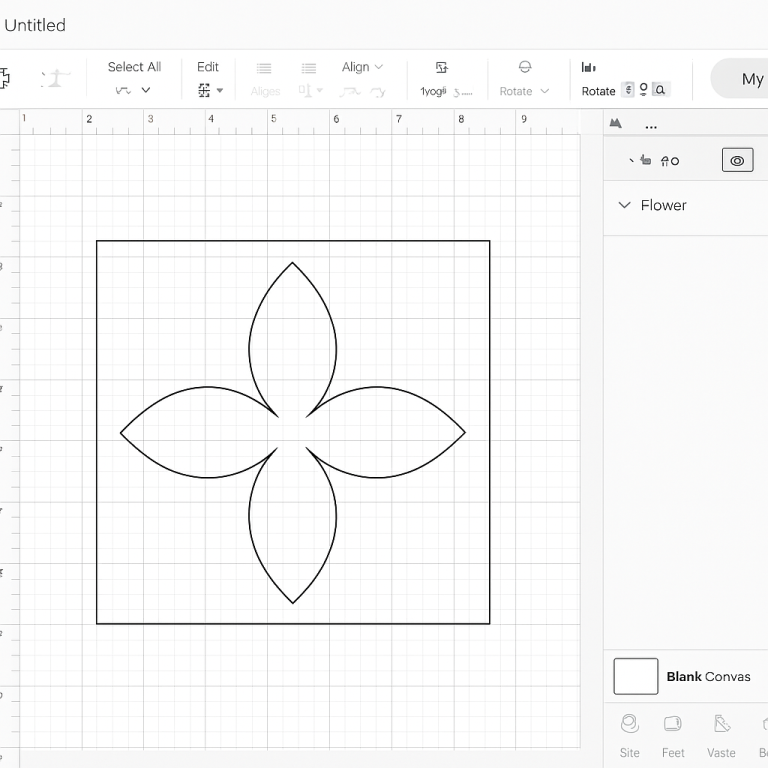
Understanding SVG Files for Clean Cuts and Scaling
Scalable Vector Graphics (SVG) files are essential in digital design, especially for projects that require clean cuts and precise scaling. Their ability to maintain quality at any size makes them ideal for various applications, from web design to printing. This guide will help you optimize SVG files for clean cuts and scaling, ensuring your designs are both beautiful and functional.
What Makes SVG Files Unique?
SVG files are vector-based, meaning they use mathematical equations to define shapes, lines, and colors. Unlike raster images (such as JPEGs or PNGs), which can pixelate when scaled, SVG files remain crisp and clear at any size. This property is particularly beneficial for designs that need to be resized frequently or used across different mediums.
Benefits of Using SVG Files
- Scalability: SVGs can be scaled indefinitely without losing quality, making them perfect for responsive designs.
- Lightweight: Typically smaller in file size compared to raster images, which improves loading times.
- Editable: Easily modified with vector graphic software or text editors.
- Resolution-independent: Ideal for high-resolution displays.
Optimizing SVG Files for Clean Cuts
To ensure SVG files are optimized for clean cuts, follow these practical tips:
1. Simplify Paths
Complex paths can complicate cutting processes. Simplify paths by reducing unnecessary nodes and using straight lines where possible. Many vector graphic software tools, like Adobe Illustrator, offer path simplification features.
2. Use Consistent Units
Set your SVG files to use consistent units of measurement, such as pixels (px) or millimeters (mm), to ensure precision in cuts. Avoid mixing units within the same file.
3. Optimize for Cutting Machines
If using a cutting machine, ensure your SVG files are compatible with the machine’s software. This often involves converting text to paths and ensuring all elements are properly grouped.
Scaling SVG Files Effectively
When scaling SVG files, consider these strategies to maintain quality:
1. Maintain Aspect Ratio
Preserve the aspect ratio by scaling proportionally. This prevents distortion and ensures the design remains visually appealing.
2. Use ViewBox Attribute
The viewBox attribute defines the aspect ratio and scaling of an SVG. Adjusting the viewBox ensures the SVG scales correctly within its container.
3. Test Across Devices
Check your SVG files on various devices and screen sizes to ensure they display correctly everywhere. Responsive web design techniques can help in maintaining consistency.
Tools for Optimizing SVG Files
Several tools can assist in optimizing SVG files for clean cuts and scaling:
- Adobe Illustrator: Offers advanced vector editing and optimization features.
- Inkscape: A free, open-source vector graphics editor with robust SVG capabilities.
- SVGOMG: An online tool for optimizing SVG files by reducing file size and complexity.
Conclusion
SVG files are a powerful tool for designers requiring clean cuts and scalable graphics. By simplifying paths, using consistent units, and leveraging appropriate tools, you can create SVG files that are both efficient and high-quality. Whether for digital or physical projects, properly optimized SVGs ensure your designs look great at any size.