Introduction to SVG Bundles for Cricut Beginners
Starting with a Cricut machine can be both exciting and overwhelming, especially when exploring design options. Scalable Vector Graphics (SVG) files are a popular choice for crafting projects because they are versatile and easy to use. This guide will introduce you to SVG bundles, perfect for beginners and new Cricut users.
What Are SVG Bundles?
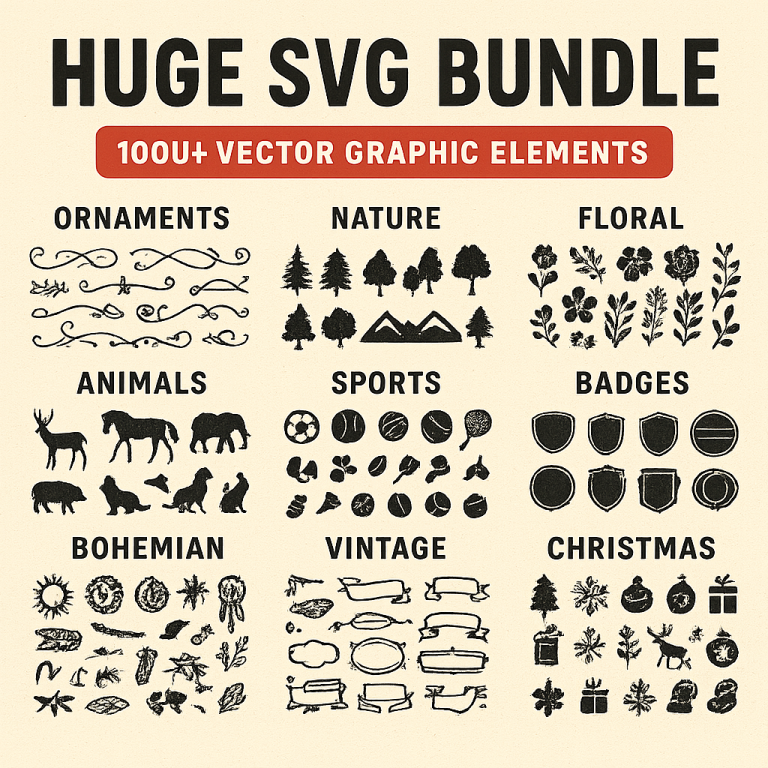
SVG bundles are collections of SVG files grouped together, often by theme or style. These bundles provide a variety of design options and are ideal for those just starting out, as they offer a wide range of choices without the need to design from scratch.
Benefits of Using SVG Bundles
- Variety: Bundles often contain multiple designs, giving you plenty of options for different projects.
- Cost-Effective: Purchasing a bundle is typically more economical than buying individual SVG files.
- Consistency: Themed bundles ensure that all designs work well together, which is perfect for coordinated projects.
How to Use SVG Bundles with Cricut
Using SVG bundles with your Cricut machine is straightforward. Follow these steps to get started:
- Download the Bundle: Purchase and download your chosen SVG bundle from a reputable source.
- Extract the Files: Most bundles come in a compressed format. Use a file extractor to unzip the files.
- Upload to Cricut Design Space: Open Cricut Design Space, click on “Upload Image,” and select the SVG file you want to use.
- Insert and Customize: Once uploaded, insert the design onto your canvas. You can resize, recolor, or modify the design as needed.
- Prepare for Cutting: Follow the prompts to set your material type and load your Cricut machine.
Top Picks for Beginner-Friendly SVG Bundles
Here are some recommended SVG bundles that are perfect for beginners:
- Basic Shapes Bundle: A collection of simple shapes that are easy to work with and perfect for practice.
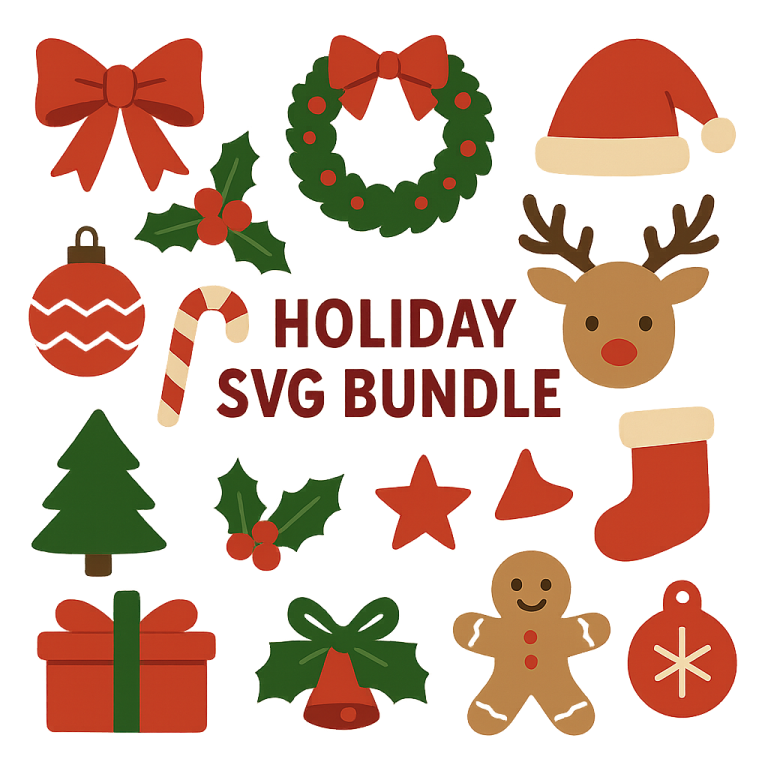
- Holiday Theme Bundle: Seasonal designs for holidays like Christmas, Halloween, and Easter.
- Quotes and Sayings Bundle: Popular phrases and quotes that are ready to cut and use on various projects.
Tips for New Cricut Users
To make the most of your SVG bundles, keep these tips in mind:
- Start Simple: Begin with basic designs to get comfortable with your Cricut machine.
- Experiment with Materials: Try different materials like vinyl, paper, and fabric to see what works best for your projects.
- Join Online Communities: Connect with other Cricut users to share tips, tricks, and inspiration.
Conclusion
SVG bundles are a fantastic resource for beginners and new Cricut users, offering a wide range of designs that are easy to use and customize. By following the steps outlined above and exploring recommended bundles, you’ll be well on your way to creating beautiful, personalized projects with your Cricut machine.