Introduction to SVG Bundles for Cricut Machines
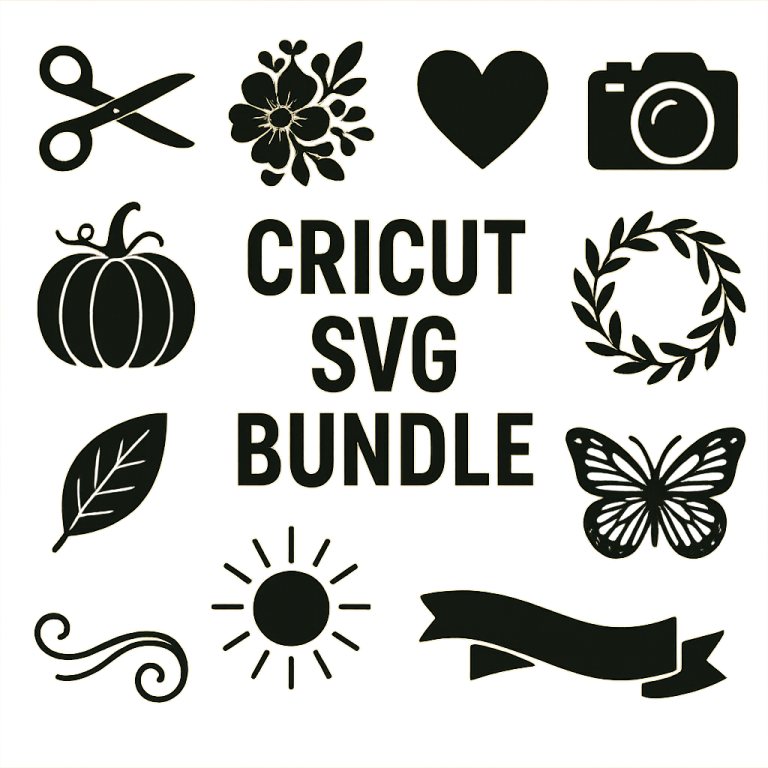
SVG bundles are essential resources for anyone using Cricut machines. These bundles contain scalable vector graphics that can be used for a variety of crafting projects. Whether you’re a beginner or experienced crafter, optimizing your SVG files can save time and improve the quality of your projects.
Why Use SVG Bundles?
SVG (Scalable Vector Graphics) files are ideal for Cricut machines because they can be resized without losing quality. This makes them perfect for creating intricate designs that require precision. SVG bundles provide a collection of themed designs, allowing for creativity and variety in your projects.
Benefits of SVG Bundles
- Variety: Access to multiple designs in one package.
- Cost-effective: Often cheaper than purchasing individual designs.
- Convenience: Ready-to-use files that require minimal setup.
Testing SVG Bundles for Cricut
Before using SVG bundles, it’s crucial to test them to ensure compatibility and quality. Here are some steps to effectively test your SVG files:
1. Check File Compatibility
Ensure the SVG files are compatible with your version of Cricut Design Space. Most SVG files should work seamlessly, but it’s always good to verify.
2. Inspect Design Details
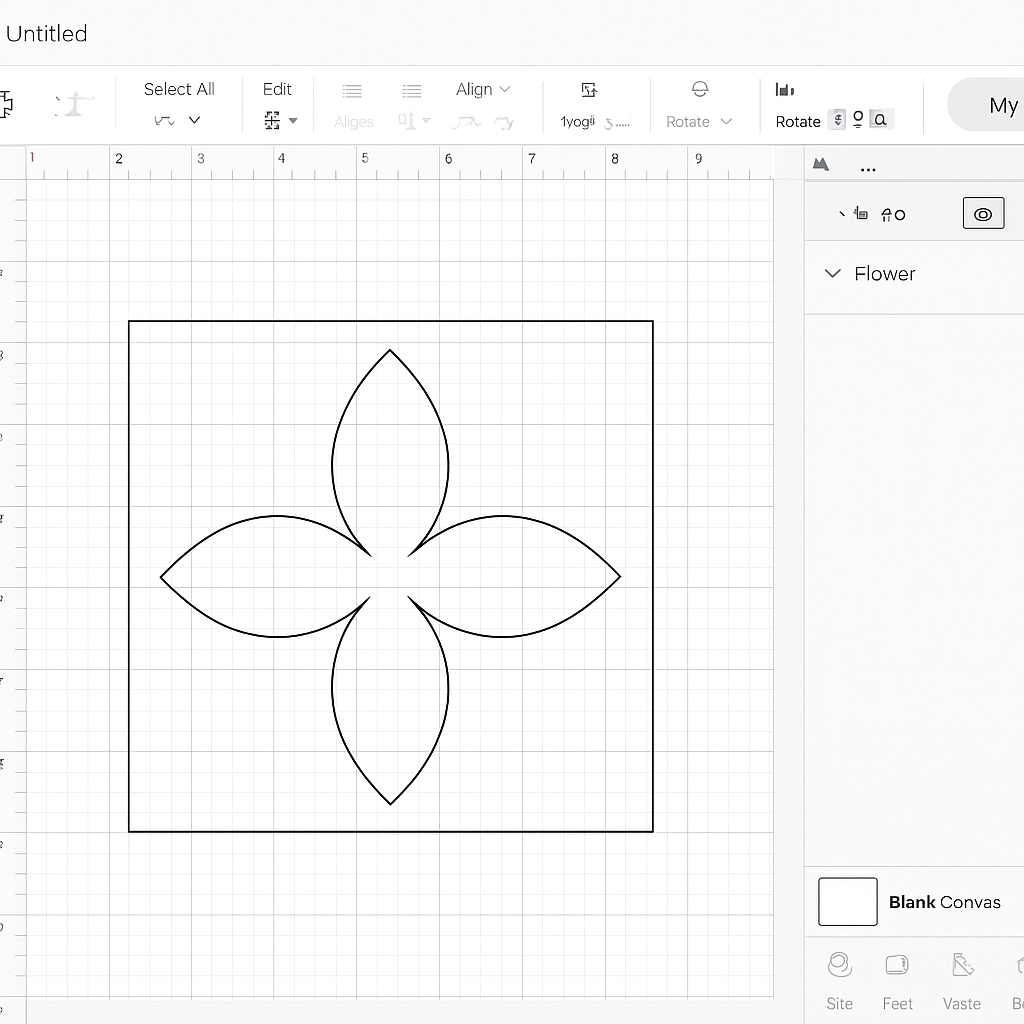
Open the SVG file in Cricut Design Space and inspect the design. Look for any broken paths or unexpected elements that might affect the cutting process.
3. Test Cut on Scrap Material
Perform a test cut using scrap material to check the precision of the design. This helps in identifying any issues before using more expensive materials.
Optimizing SVG Files
Optimizing SVG files can enhance their performance on Cricut machines. Follow these tips to ensure smooth operation:
1. Simplify Complex Designs
Reduce the number of nodes in complex designs. This can be done using vector graphic software like Adobe Illustrator or Inkscape. Fewer nodes mean faster processing and cutting times.
2. Clean Up Unused Elements
Remove any hidden or unused elements from the SVG file. These can clutter the design and cause unnecessary delays during cutting.
3. Ensure Proper Layering
Check the layering of elements within the SVG file. Correct layering ensures that the machine cuts in the right order, which is crucial for multi-layered designs.
Popular SVG Bundle Themes
SVG bundles come in various themes, catering to different crafting needs. Here are some popular themes:
- Seasonal: Designs for holidays and seasons like Christmas, Halloween, and summer.
- Quotes: Inspirational and decorative text designs.
- Nature: Floral patterns, animals, and landscapes.
- Geometric: Abstract shapes and patterns.
Conclusion
SVG bundles are an invaluable resource for Cricut users, offering convenience, variety, and cost savings. By testing and optimizing your SVG files, you can ensure high-quality results in your crafting projects. Explore different themes and start creating unique designs with ease!