Understanding SVGKingdom’s Role in Bundle Creation
In the realm of digital design and development, creating efficient and scalable bundles is crucial. SVGKingdom’s PNG to SVG converter offers a practical solution for enhancing your bundle creation process. This tool facilitates the conversion of raster images into scalable vector graphics, which can significantly optimize the performance and quality of your digital assets.
Why Convert PNG to SVG?
Before diving into how SVGKingdom fits into bundle creation, it’s essential to understand the advantages of converting PNG files to SVG:
- Scalability: SVG files are vector-based, allowing them to scale without losing quality, unlike raster-based PNGs.
- Smaller File Size: SVGs often have smaller file sizes than PNGs, leading to faster load times and reduced bandwidth usage.
- Editability: SVGs are easily editable in vector graphic editors, offering more flexibility in design adjustments.
- SEO and Accessibility: SVG files can contain searchable text and descriptions, enhancing accessibility and search engine optimization.
Integrating SVGKingdom in Bundle Creation
Bundle creation involves compiling and optimizing various assets for efficient deployment. SVGKingdom can streamline this process in several ways:
1. Asset Optimization
By converting PNGs to SVGs, you can significantly reduce the file size of your assets. This reduction is crucial when creating bundles for web applications, where performance is paramount. Smaller file sizes lead to quicker downloads and improved user experiences.
2. Enhanced Performance
SVG files contribute to enhanced performance due to their scalable nature. They ensure that images render crisply on any device, regardless of screen size or resolution, without the need for multiple image sizes. This feature is particularly beneficial for responsive web designs.
3. Improved Workflow
Integrating SVGKingdom into your workflow can simplify the asset preparation phase of bundle creation. The tool allows for quick conversions, minimizing the time spent on manual adjustments and enabling designers and developers to focus on other critical tasks.
How to Use SVGKingdom for Bundle Creation
Using SVGKingdom is straightforward and can be seamlessly integrated into your workflow:
- Visit SVGKingdom’s PNG to SVG Converter.
- Upload your PNG file using their user-friendly interface.
- Customize the conversion settings if needed, such as adjusting color options or simplifying paths.
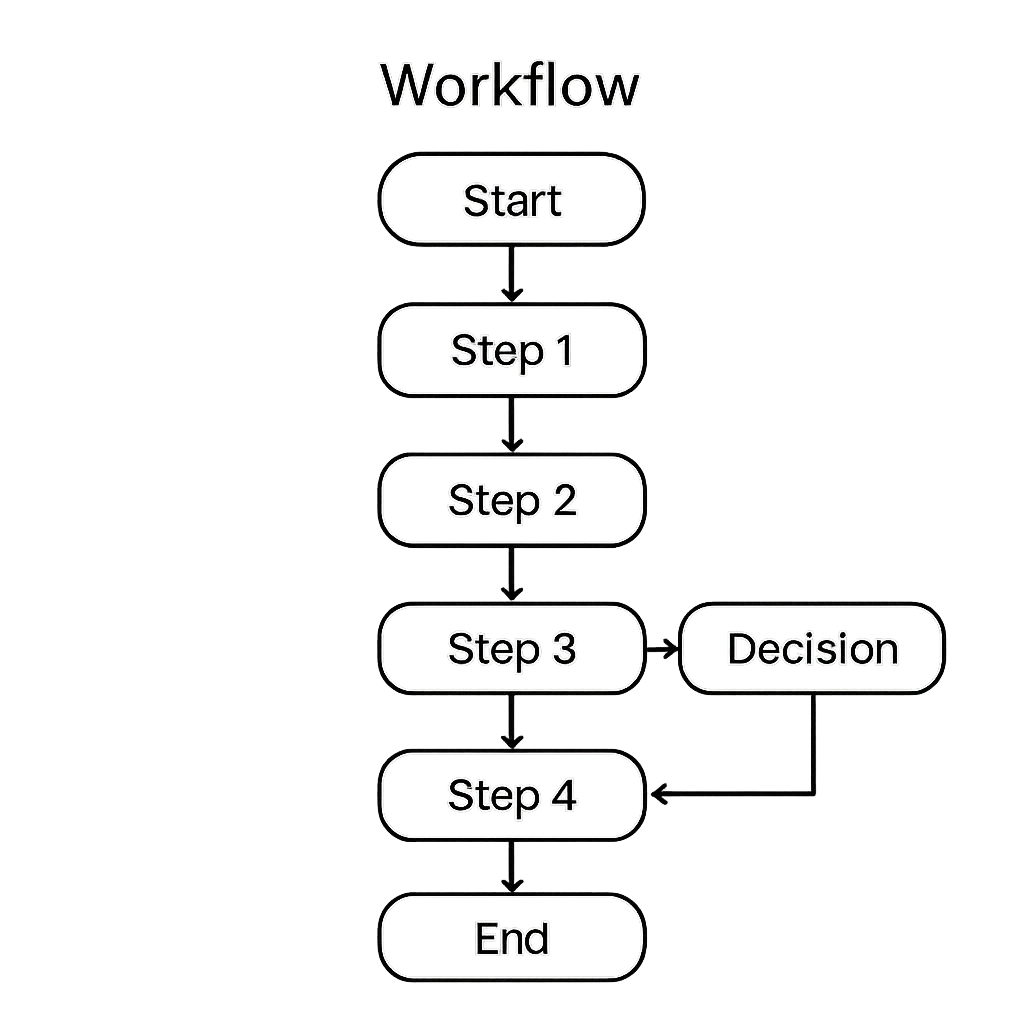
- Download the converted SVG file.
- Incorporate the SVG files into your bundle, replacing older PNG assets.
Benefits of SVGKingdom in Bundle Creation
SVGKingdom provides several benefits that make it an invaluable tool in bundle creation:
- Time Efficiency: Quick conversions and easy integration save time during the asset preparation stage.
- Resource Optimization: Smaller SVG files contribute to reduced load times and better resource management.
- Quality Maintenance: High-quality, scalable images ensure consistent user experiences across devices.
Conclusion
SVGKingdom’s PNG to SVG converter is a powerful tool for enhancing your bundle creation process. By incorporating SVGs, you can achieve optimized performance, maintain high-quality visuals, and streamline your workflow. Embracing vector graphics with SVGKingdom ensures your digital assets are future-ready and scalable across all platforms.