Common Fixes for Overheat, Jam, and Connection Issues
Troubles with overheating, jamming, and connectivity can disrupt your workflow and cause frustration. Here’s a concise guide to help you address these common issues efficiently.
Fixing Overheating Problems
Overheating can lead to performance issues and hardware damage. Follow these steps to cool down your device:
- Ensure Proper Ventilation: Place your device in a well-ventilated area. Avoid using it on soft surfaces like beds or couches which can block airflow.
- Clean Dust and Debris: Use compressed air to clean dust from vents and fans. Accumulated dust can block airflow and cause overheating.
- Check for Software Issues: High CPU usage can lead to overheating. Monitor your device’s performance and close unnecessary applications.
- Update Drivers and Software: Outdated drivers can cause components to overheat. Ensure all software and drivers are up to date.
Resolving Jam Issues
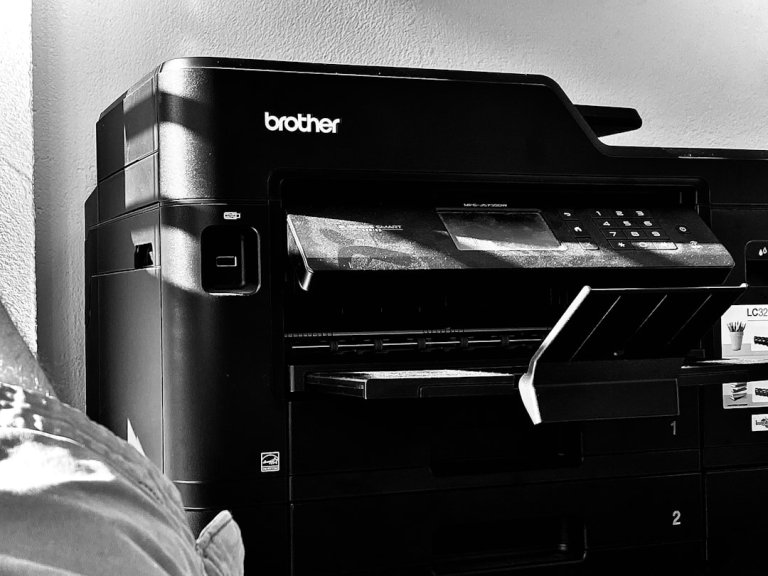
Jamming is a common issue in printers and other mechanical devices. Here’s how to address it:
- Turn Off and Unplug: Always turn off and unplug the device before attempting to clear a jam to avoid injury or further damage.
- Carefully Remove Obstructions: Open the device and gently remove any jammed paper or objects. Avoid using excessive force.
- Check for Small Debris: Ensure no small pieces of paper or other materials are left inside, which could cause future jams.
- Inspect Rollers and Moving Parts: Clean and check the rollers and moving parts for wear and tear. Replace any damaged components if necessary.
Improving Connection Issues
Connection problems can occur with both wired and wireless devices. Here are some solutions:
- Restart Devices: A simple restart can resolve many connection issues. Turn off and restart both your device and the router.
- Check Cables and Ports: Ensure all cables are securely connected and ports are not damaged. Replace any faulty cables.
- Update Network Drivers: Outdated drivers can cause connectivity issues. Update your network drivers to the latest version.
- Optimize Wireless Signal: Move closer to the router or remove obstacles that might interfere with the wireless signal. Consider using a Wi-Fi extender if necessary.
Conclusion
By following these practical tips, you can effectively address overheating, jamming, and connection issues. Regular maintenance and timely updates can prevent many of these problems from occurring in the first place. Stay proactive to ensure your devices run smoothly and efficiently.